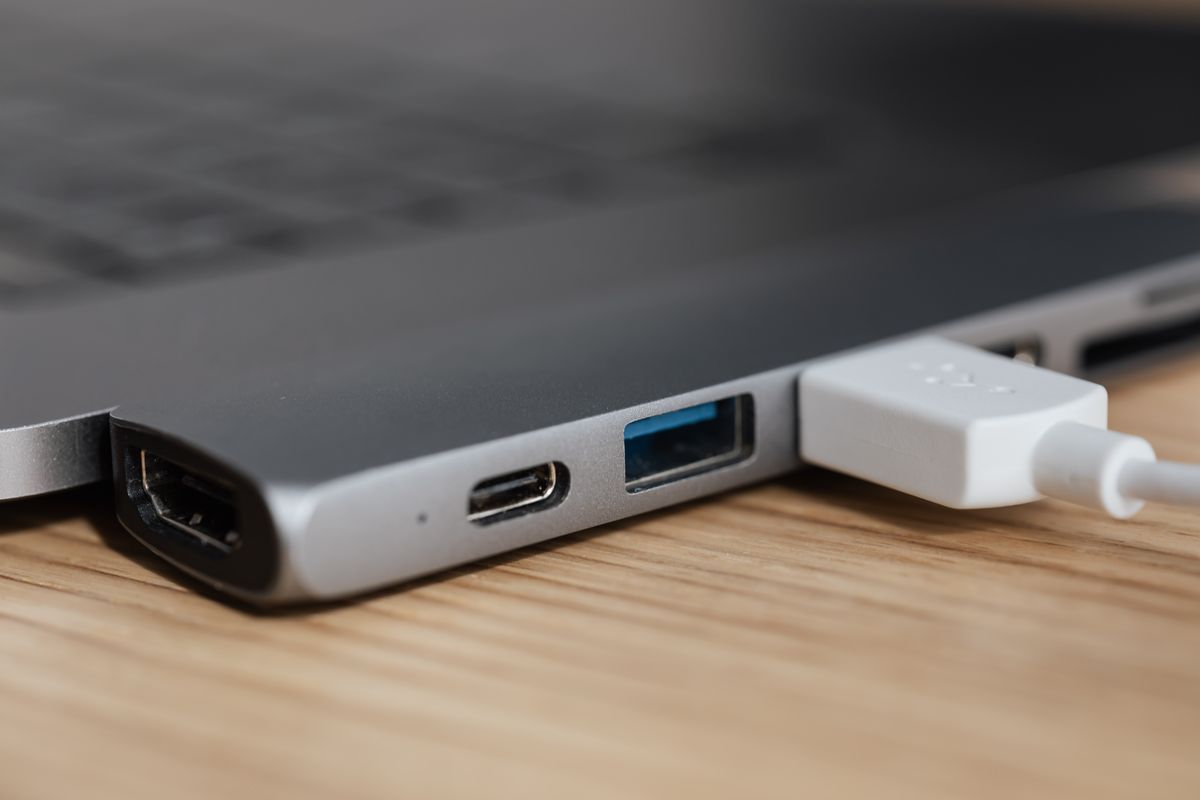
Connections & accessories
A USB-C connector does not tell you everything
The same oval plug can carry very different combinations of power, data and video.
Read the noteConnections & accessories
Ports, cables, peripherals and the small accessories around a working desk.
The same oval plug can carry very different combinations of power, data and video.
Read the note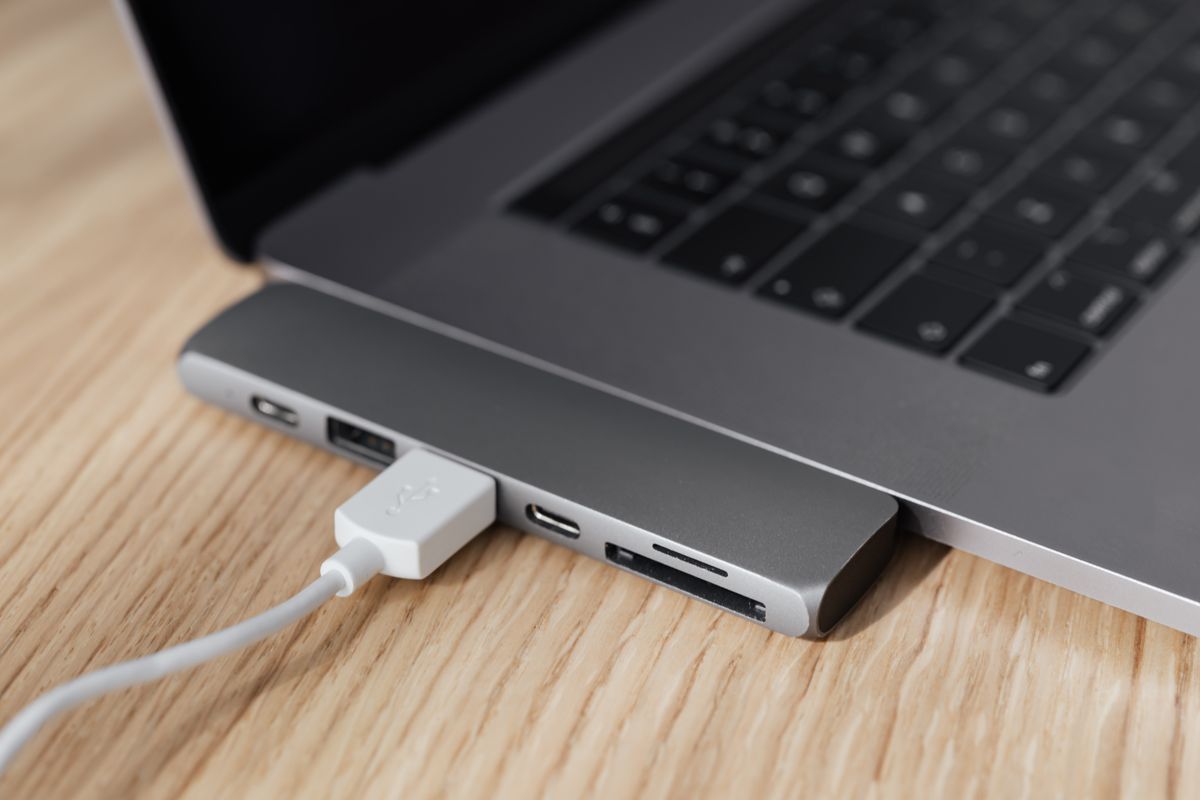
Begin with the computer and the displays you need to connect, then work outward.
Read the note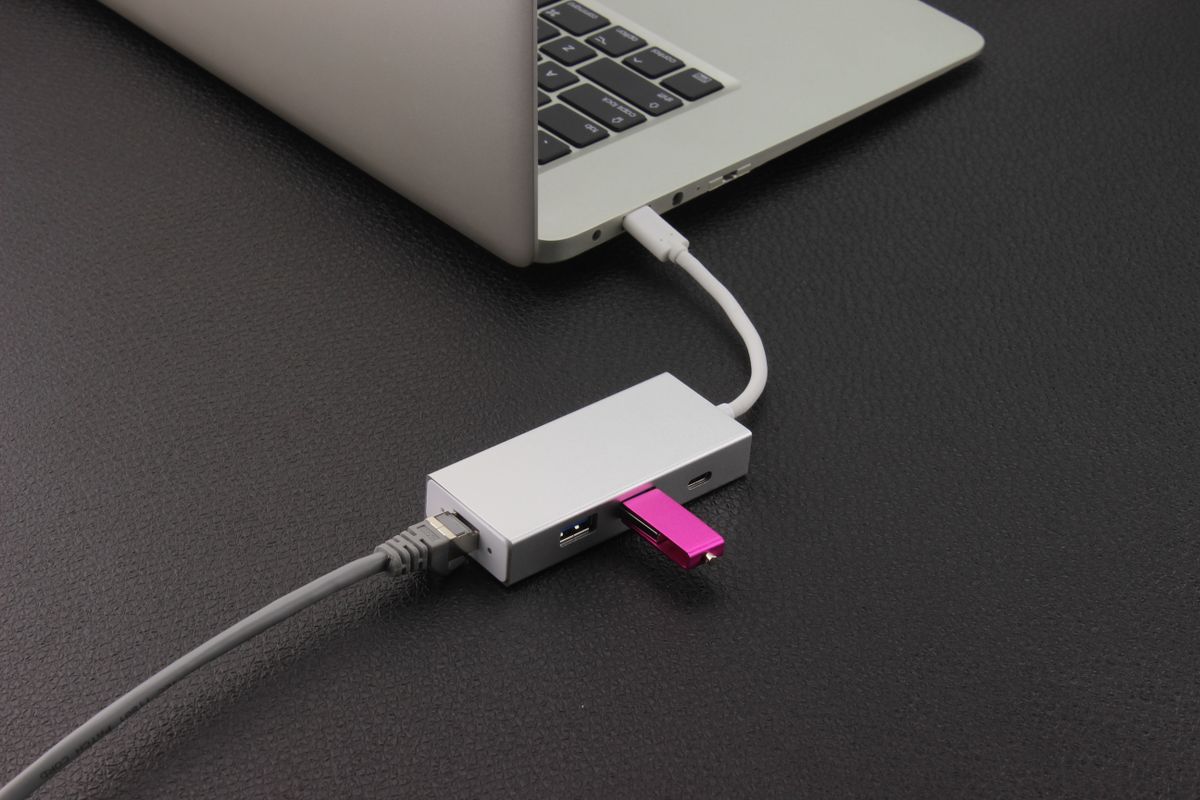
A few extra data ports may be all the expansion a desk needs.
Read the note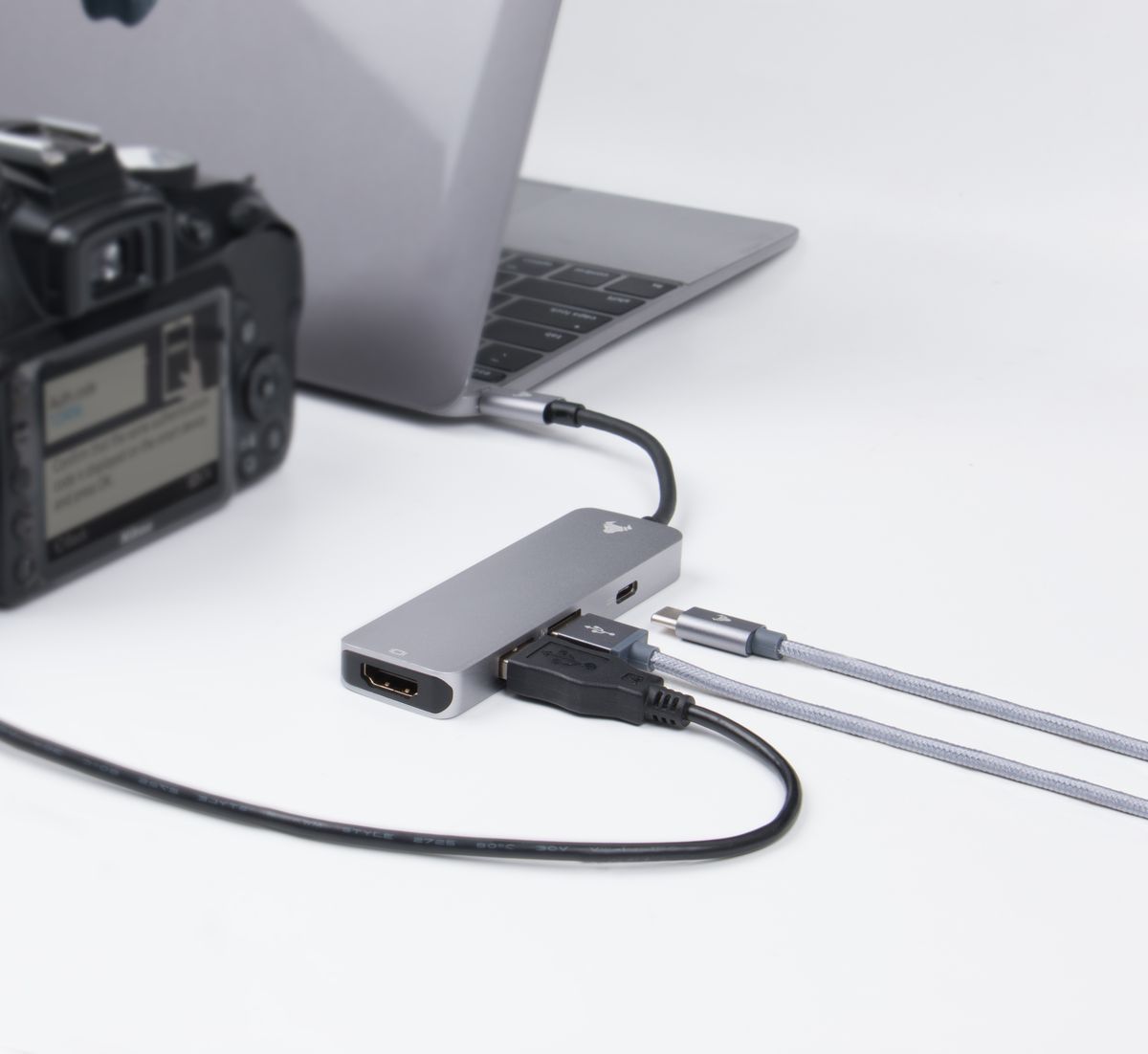
Name the signal source and destination before choosing the piece between them.
Read the note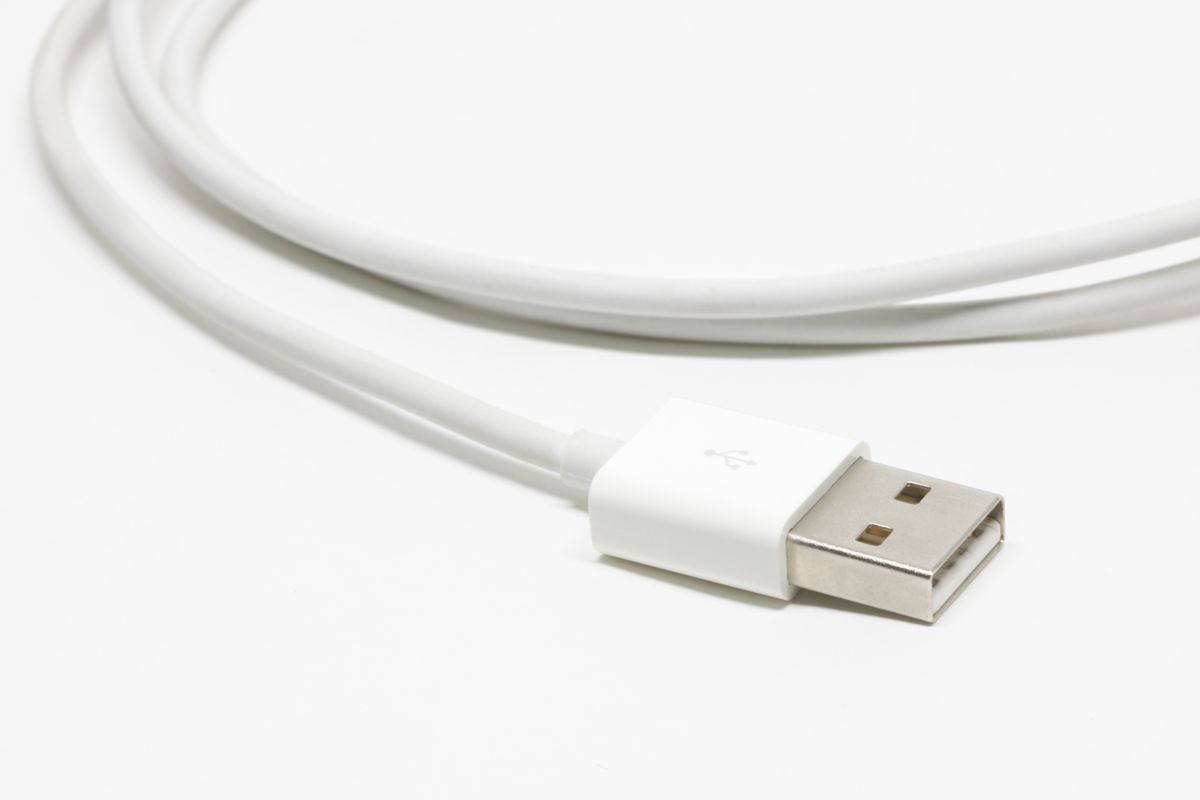
A charging cable needs a suitable electrical rating and a sensible place to bend.
Read the note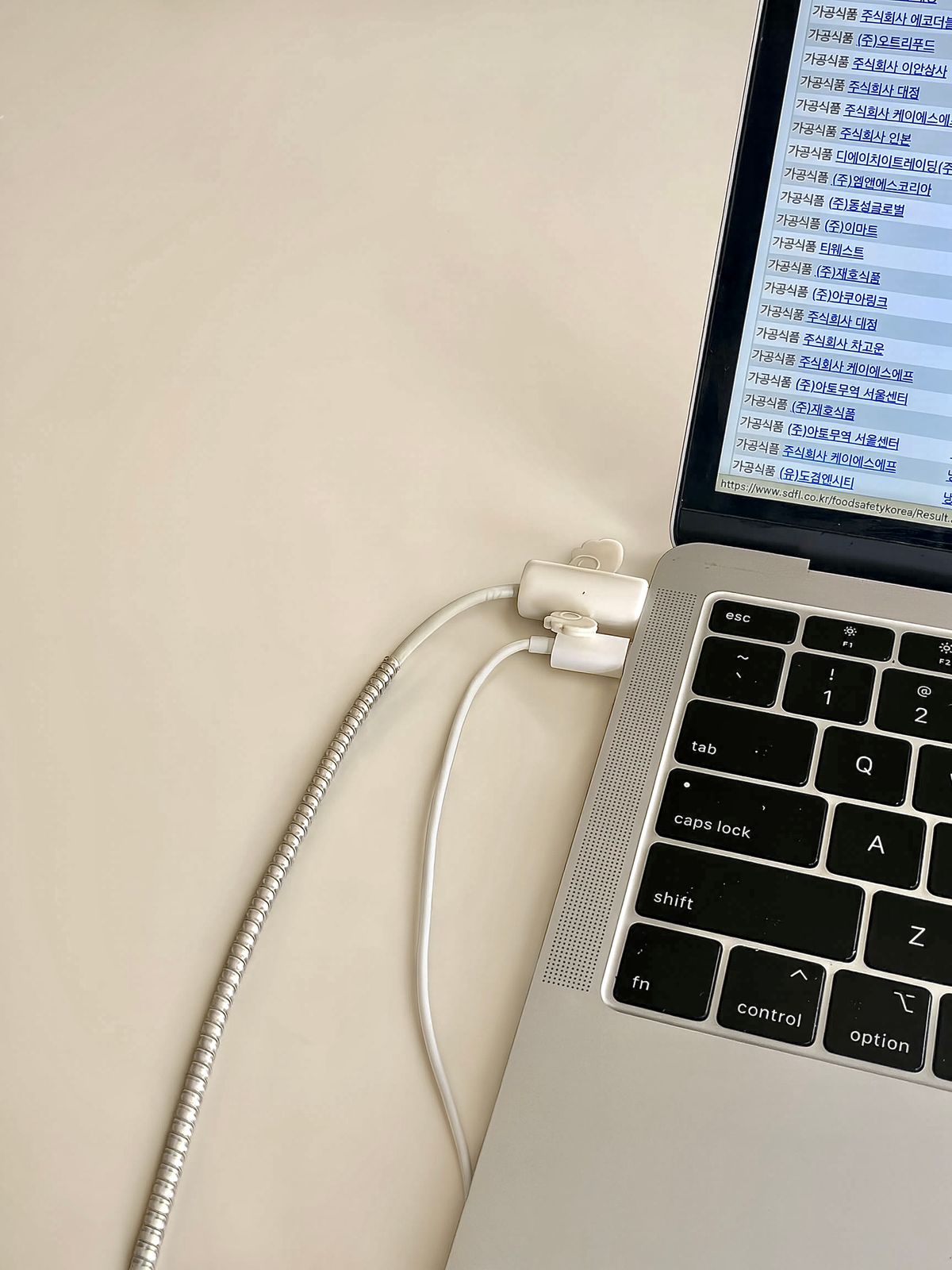
Let the equipment move through its normal range before deciding that a cable is long enough.
Read the note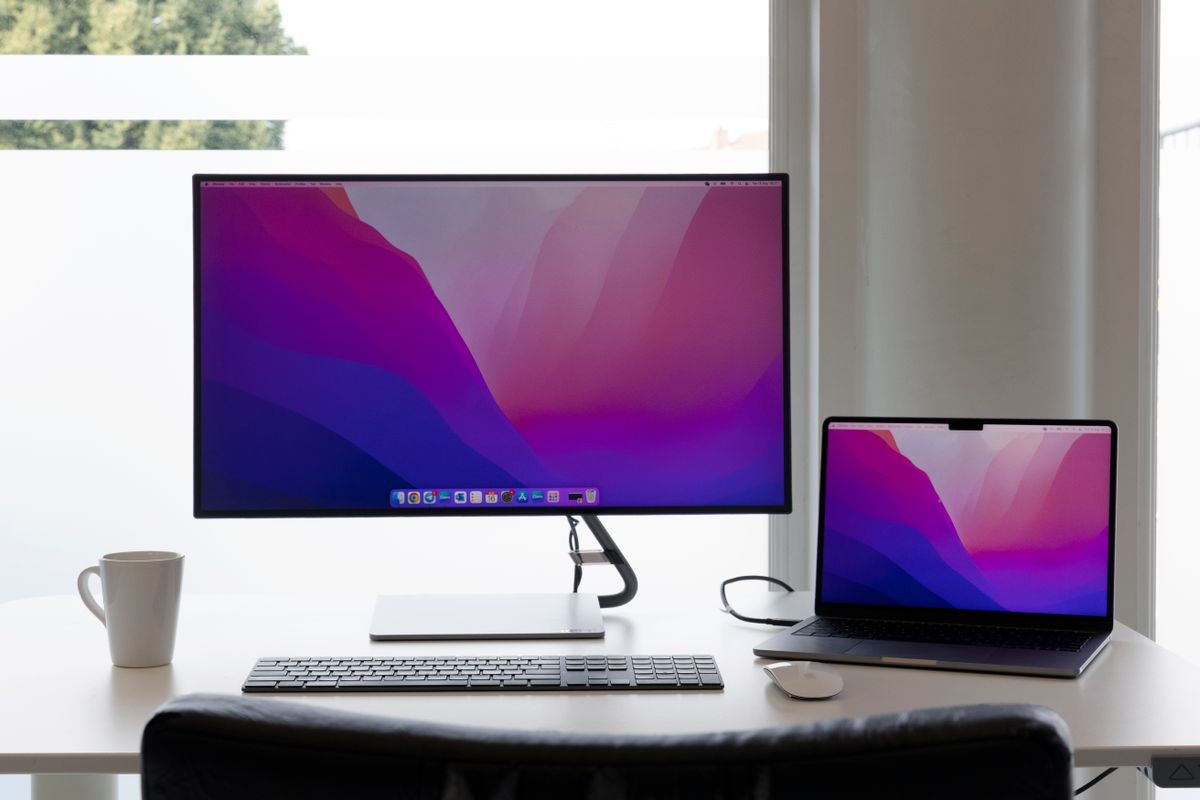
Screen weight is only one part of a safe and useful mounting arrangement.
Read the note
Raising the screen changes where the keyboard sits, so plan both parts of the setup.
Read the note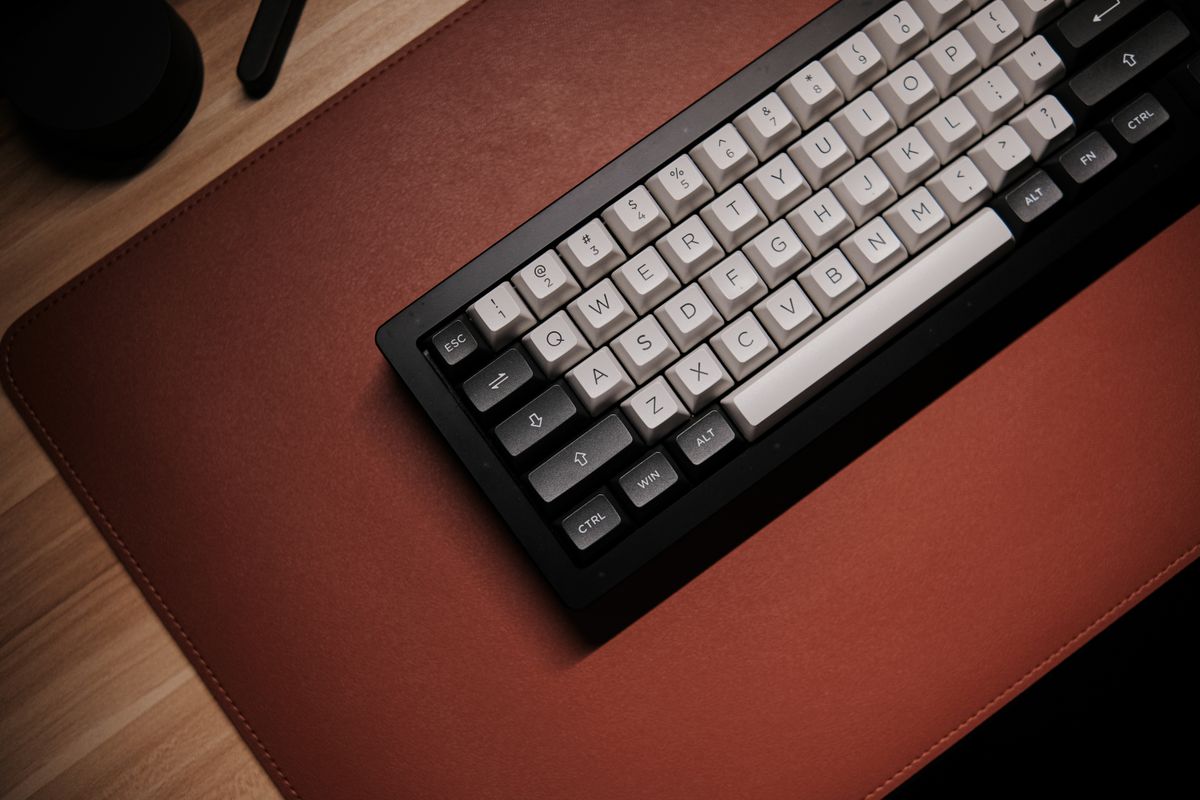
Count the keys you reach for, not just the space the keyboard occupies.
Read the note
Shape, movement and button placement matter more than a long feature list.
Read the note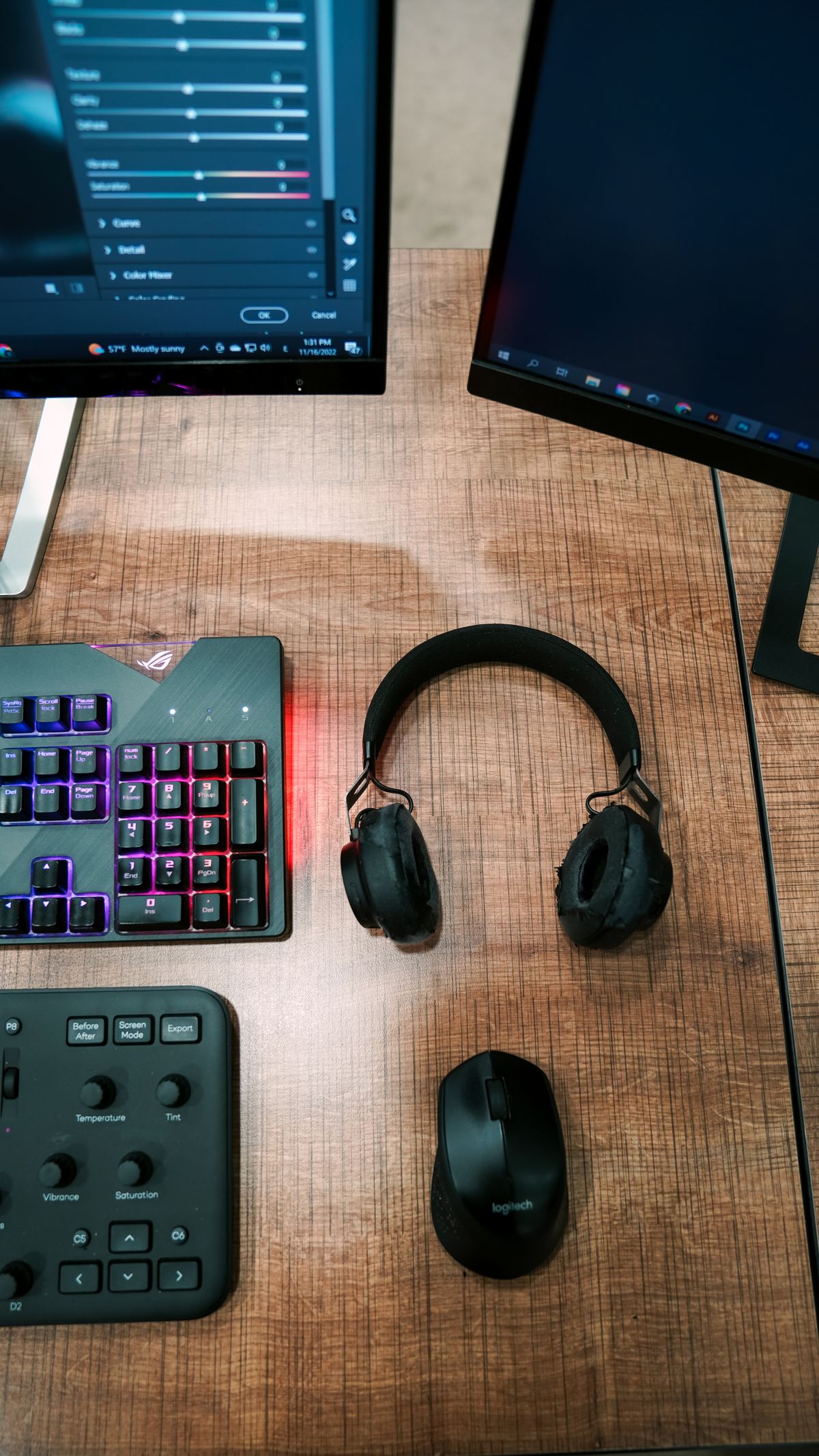
A permanent desk can benefit from the simple predictability of a cable.
Read the note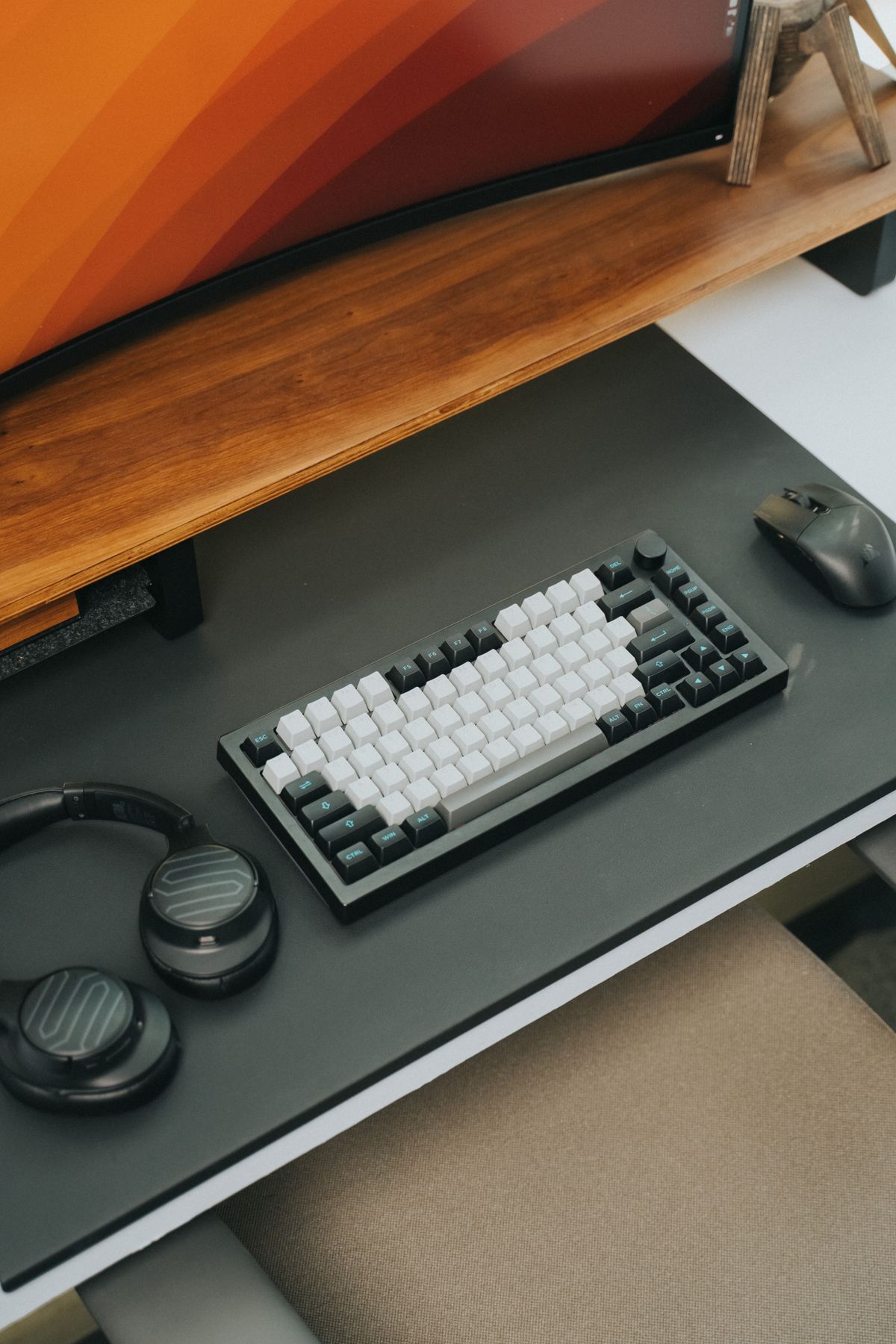
Bluetooth and a small USB receiver are different ways of reaching the same desk.
Read the note