A mouse can look the right size in a photograph and feel quite different after an afternoon of selecting text. Hand size is part of the fit, but so are the way the mouse is held, the amount of desk space available and the tasks performed. There is no single shape that settles all three for everyone.
If you can try a mouse, use it for ordinary actions rather than moving it once across a display. Select a sentence, drag a file, scroll a long document and reach for the side buttons. Notice whether you must change your grip to perform a frequent action or accidentally press a control while moving.
Look at the surface around it
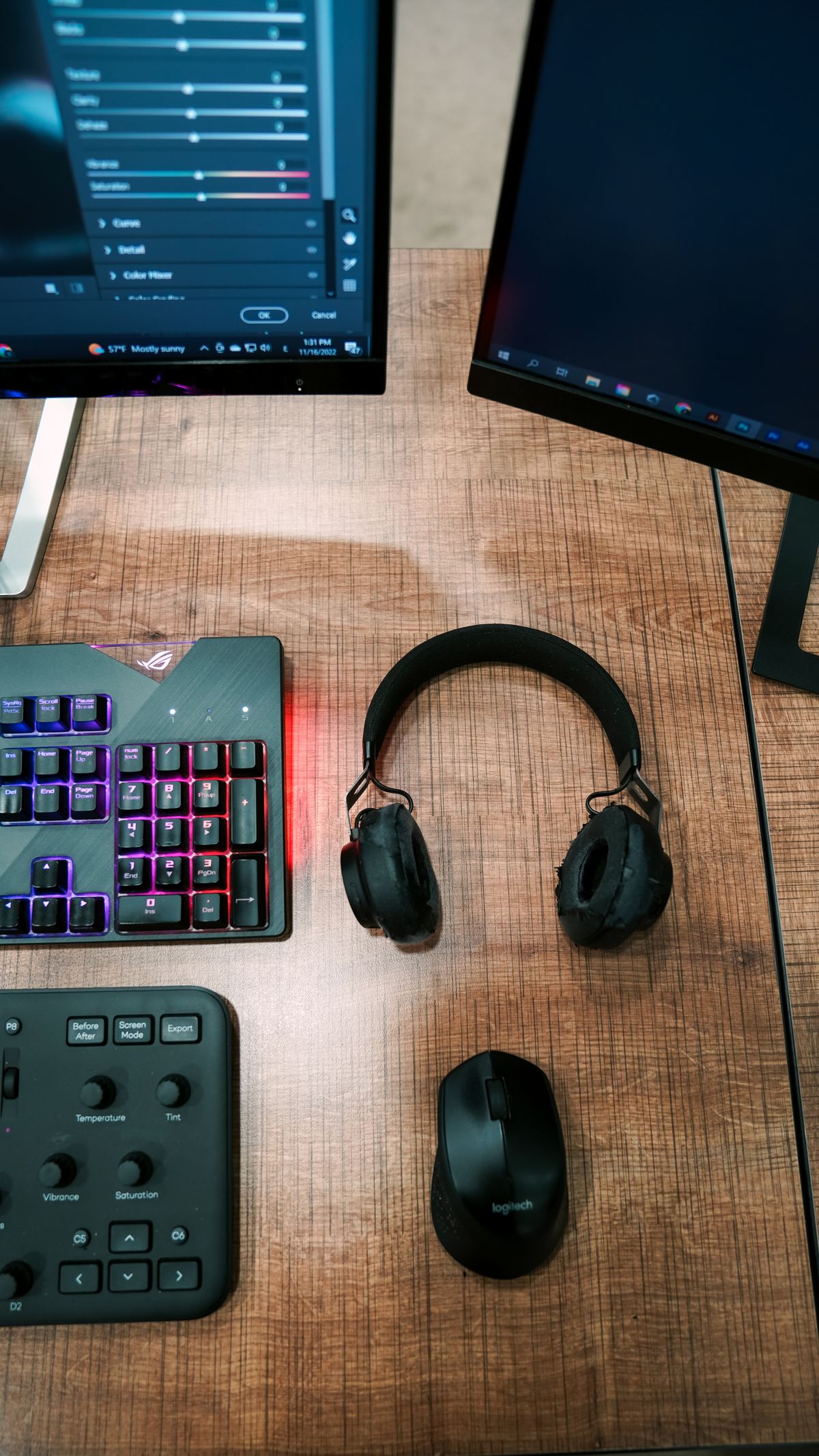
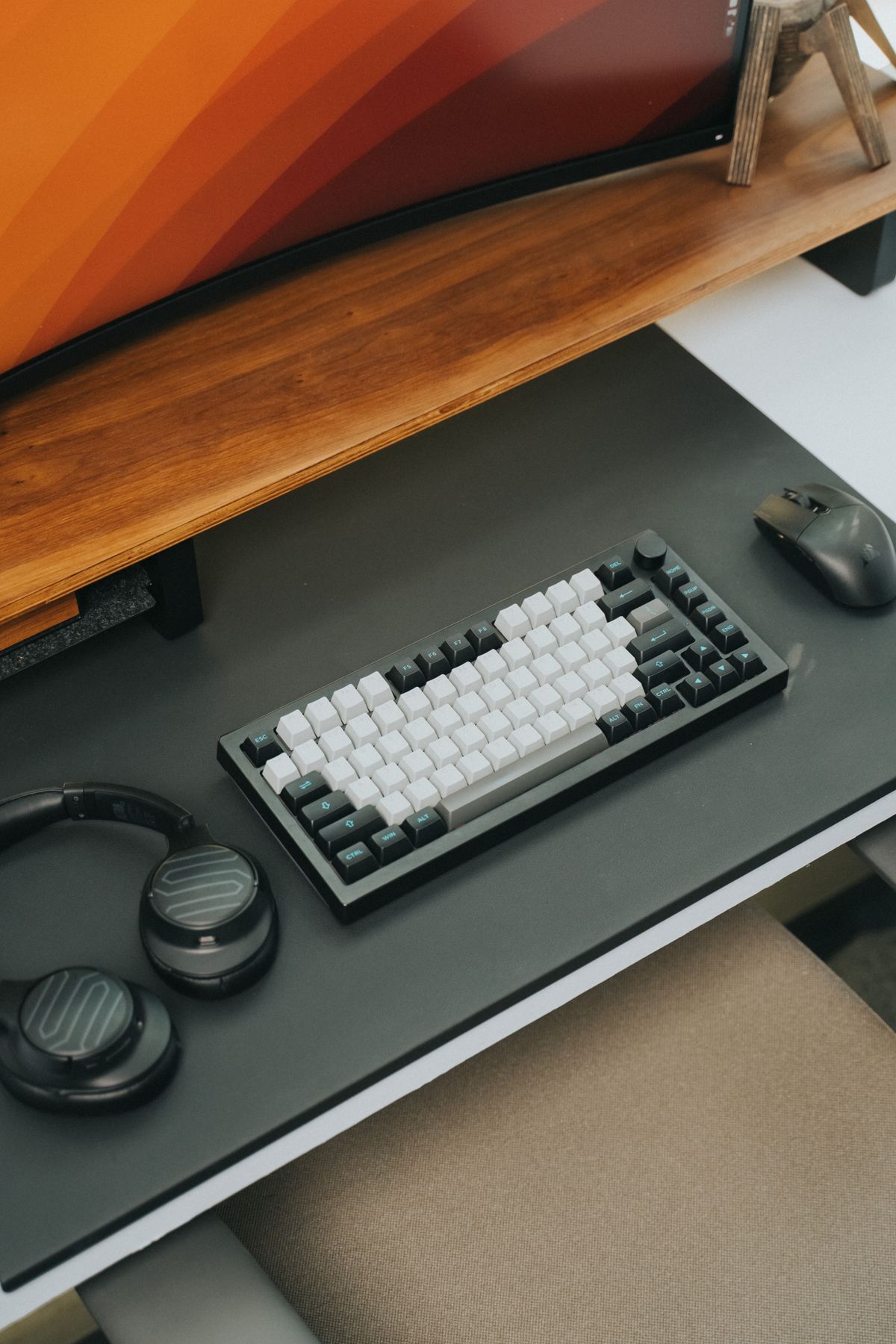
A crowded desk can make any mouse feel inconvenient. Leave room for movement beside the keyboard, with no cable tugging at the front. A compact keyboard may help if a numeric keypad is occupying the useful pointing area. For a very small surface, a trackball is another option, but it changes the motion and has its own learning period rather than being a universal solution.
Sensor behavior varies with the surface. Glass, glossy finishes or patterned materials may not suit a particular model. A compatible mouse pad can solve a tracking problem without replacing the mouse. Check the manufacturer's surface guidance before assuming an erratic pointer means the electronics have failed.
Connection and controls
A wired mouse avoids charging and receiver storage, while a wireless one reduces the lead crossing the desk. For wireless models, check whether the connection uses Bluetooth, a supplied receiver or both. A receiver takes a port and may not be interchangeable with another device's receiver, even from the same brand.
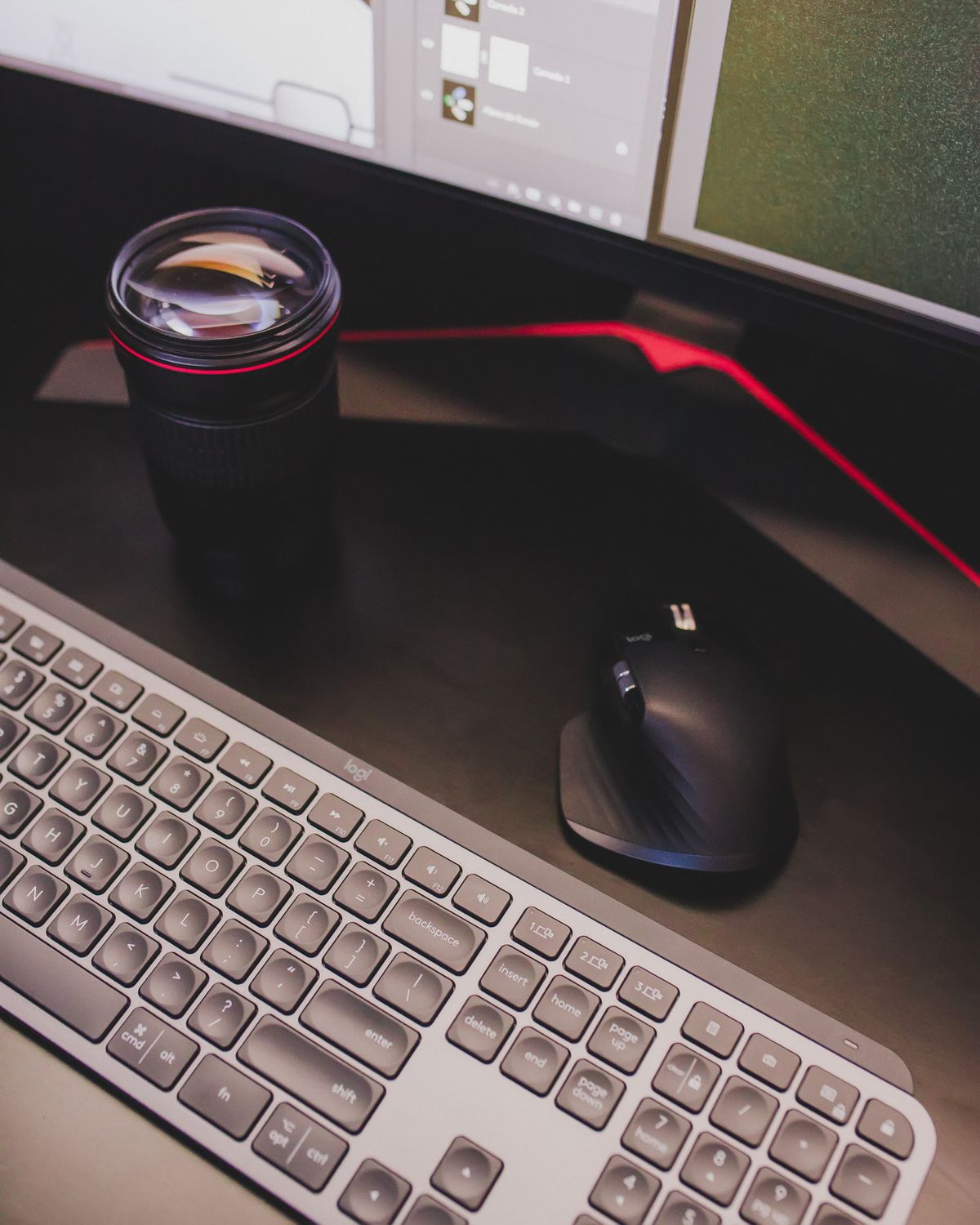
Extra buttons are helpful when they perform actions you use. Their full customization may require software, and that software may not be available on a managed work computer. Also consider whether the basic button layout suits the hand you use. A nominally ambidextrous shell can still put extra controls on only one side.
Persistent discomfort deserves attention beyond a shopping decision. The surrounding workstation, work duration and individual needs can matter as much as the mouse. Choose an arrangement that can be adjusted, take changes in comfort seriously and avoid treating a product's ergonomic label as a medical promise.