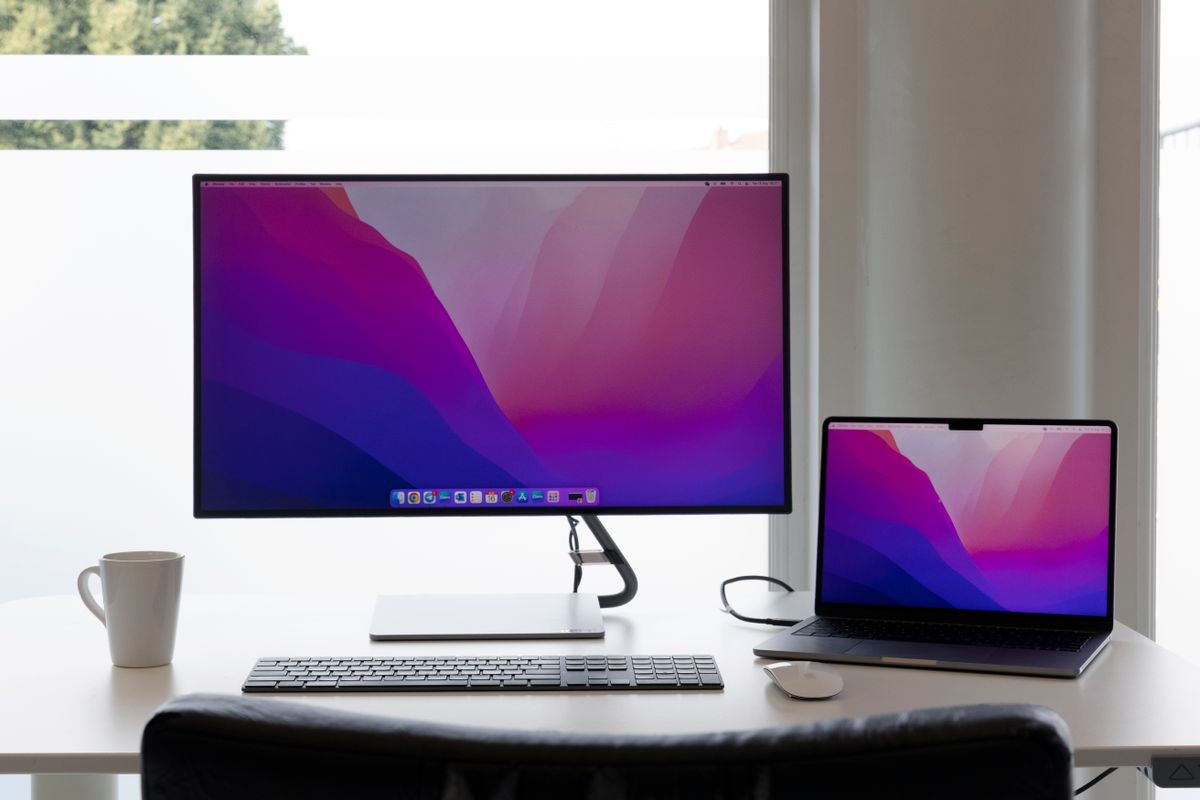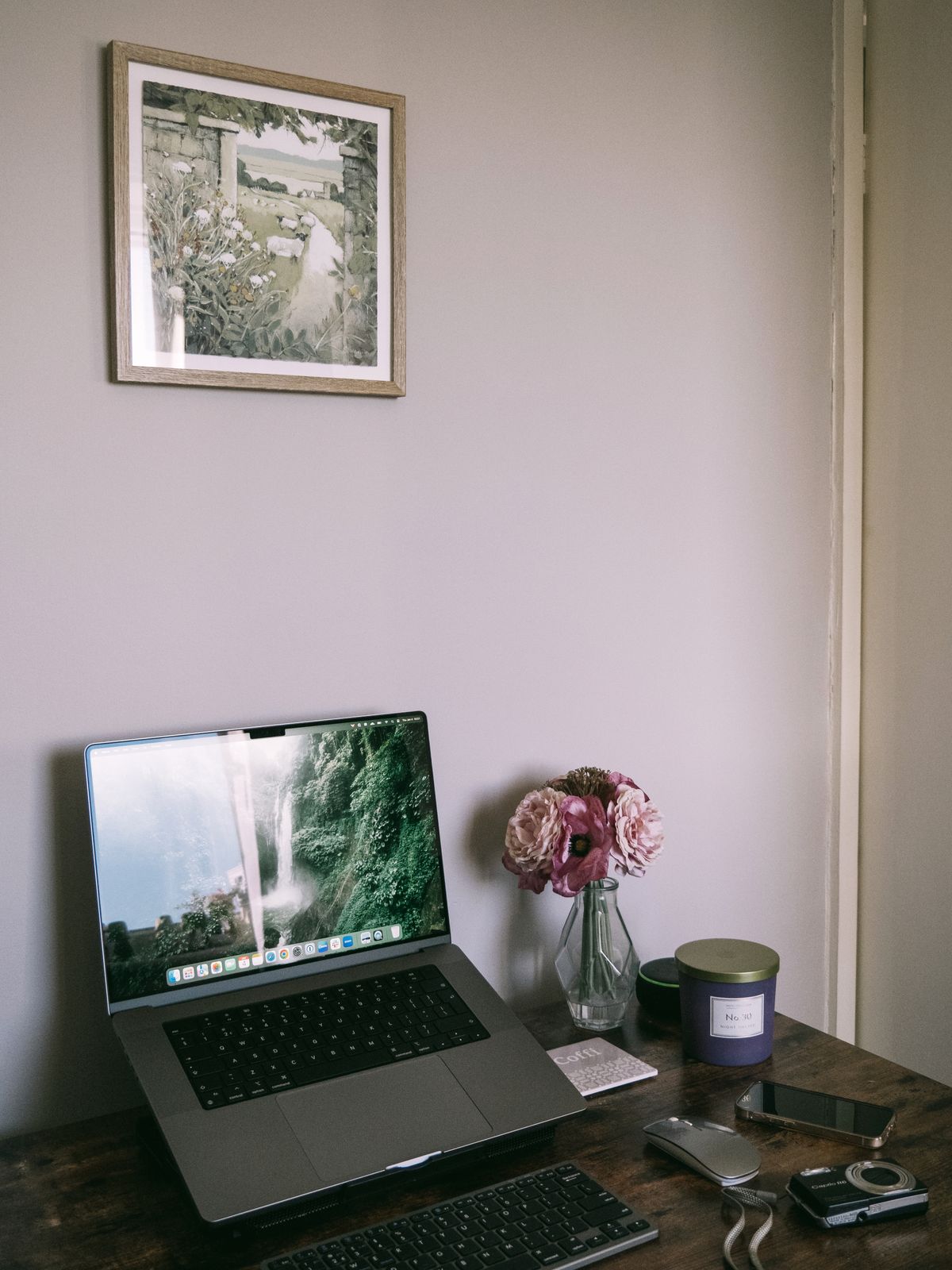
A laptop joins the display and keyboard in one hinged object. Raise the whole machine and the picture may move to a more useful height, but the keys move upward too. A stand intended for sustained desk work therefore usually makes more sense with a separate keyboard and pointing device.
Try the arrangement before choosing a stand. Place the external keyboard where typing feels comfortable and position the screen for the task and your eyesight. There is no benefit in buying an adjustable stand if the rest of the desk leaves only one awkward position available. Eyewear, screen size and the work being done can change the preferred viewing position.
The stand must support the actual laptop
Compare the stand's load rating and supported dimensions with the computer. Check where its ledges and pads contact the case. They should not obstruct vents, press on ports or prevent the lid from opening far enough. A raised lip that secures one model may interfere with another model's front edge.
Stability matters when connecting a cable or adjusting the display. A folding travel stand might suit occasional use but wobble when used with a heavier laptop. A fixed stand occupies more space in a bag but can be simpler at a permanent desk. Choose the kind of movement you need rather than assuming every joint adds useful flexibility.
Leave space for the rest of the work
Some stands create a useful space beneath the computer, but that gap is not automatically a suitable storage shelf. Keep ventilation clear and avoid placing a hot power adapter directly against the laptop. Check whether cables can reach without pulling from the sides of the raised machine.
With an external keyboard, the desk needs enough depth for the keyboard, a comfortable pointing area and the stand. A tiny desk can become more crowded after the screen is raised. Try the footprint with paper outlines if the stand is not available to inspect.
For occasional laptop use away from the desk, a compact folding stand can be worth carrying if the separate input devices will also be used. If those accessories stay at home, the raised typing angle may simply exchange one awkward compromise for another. The purchase works best as part of a complete arrangement, not as an isolated promise attached to the word ergonomic.