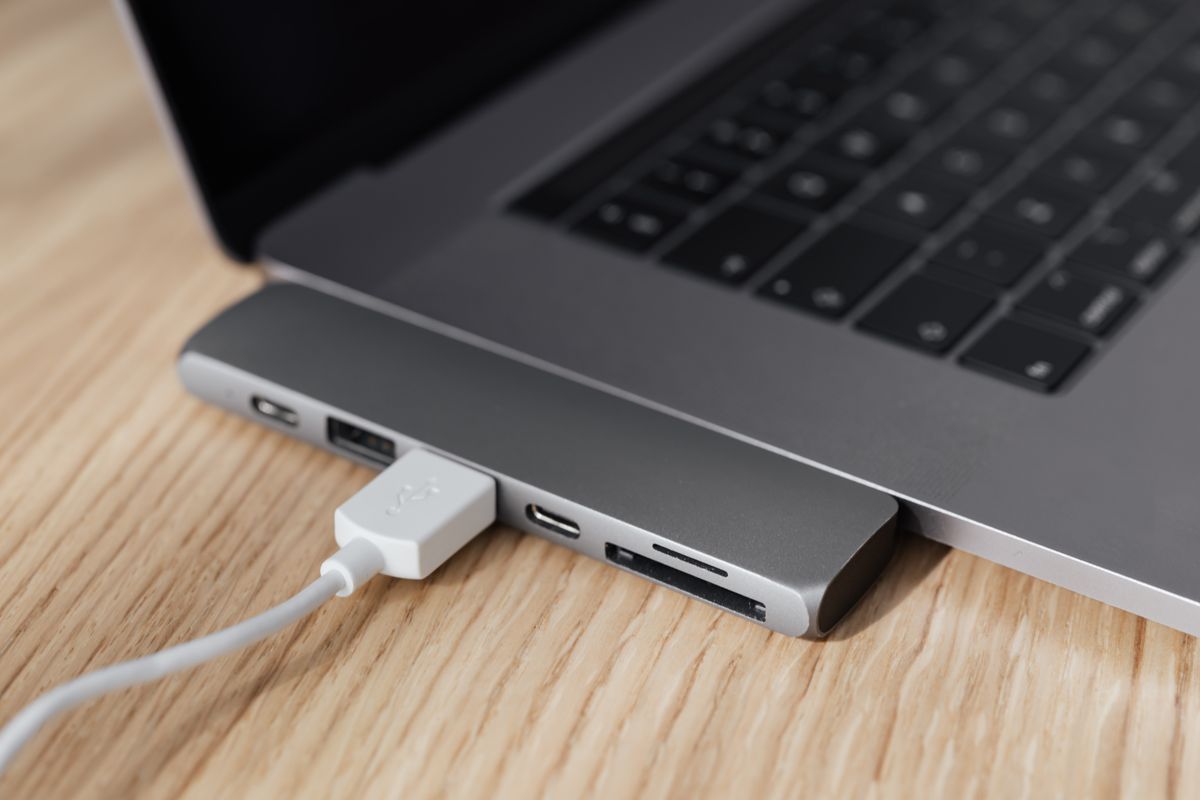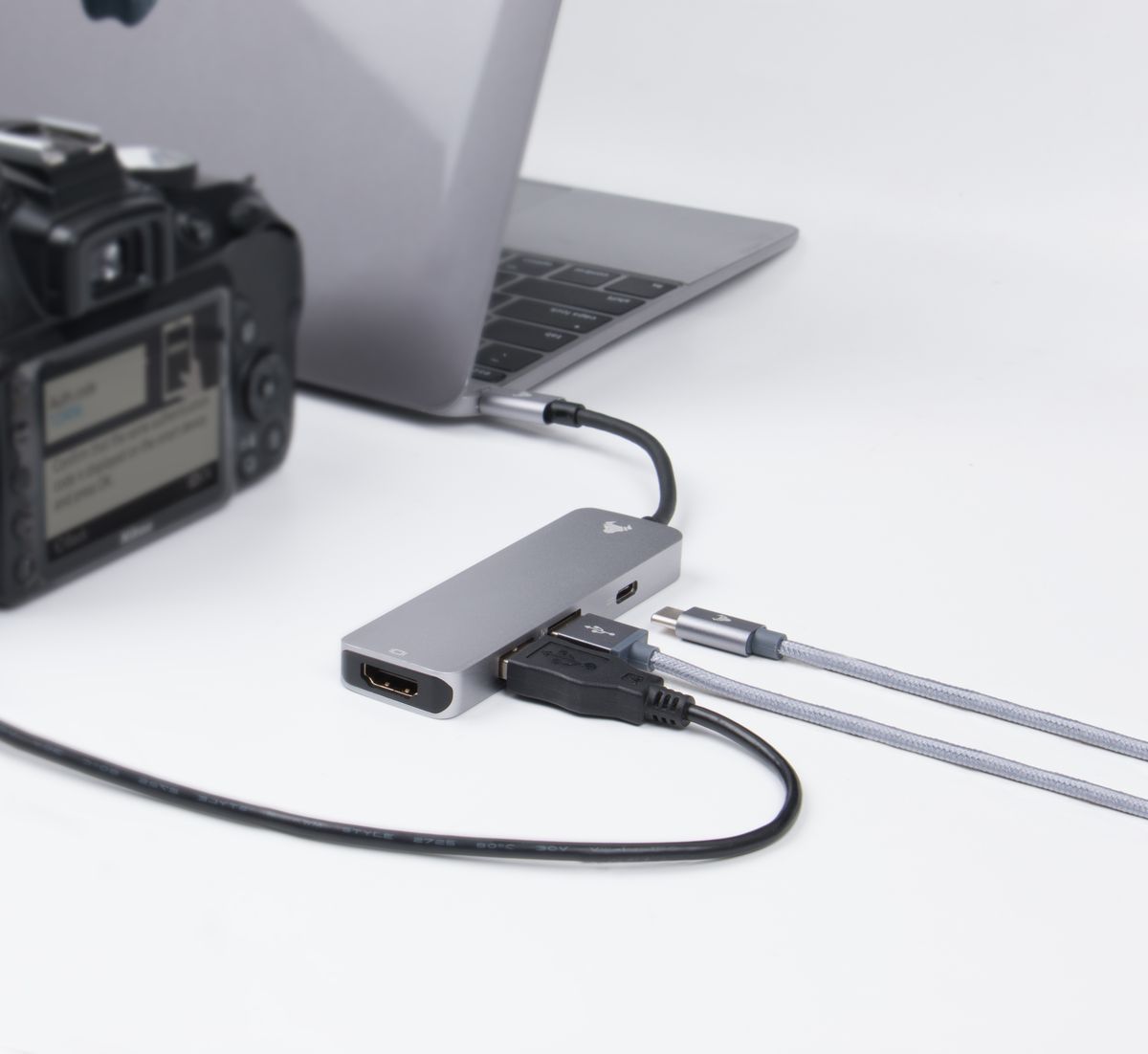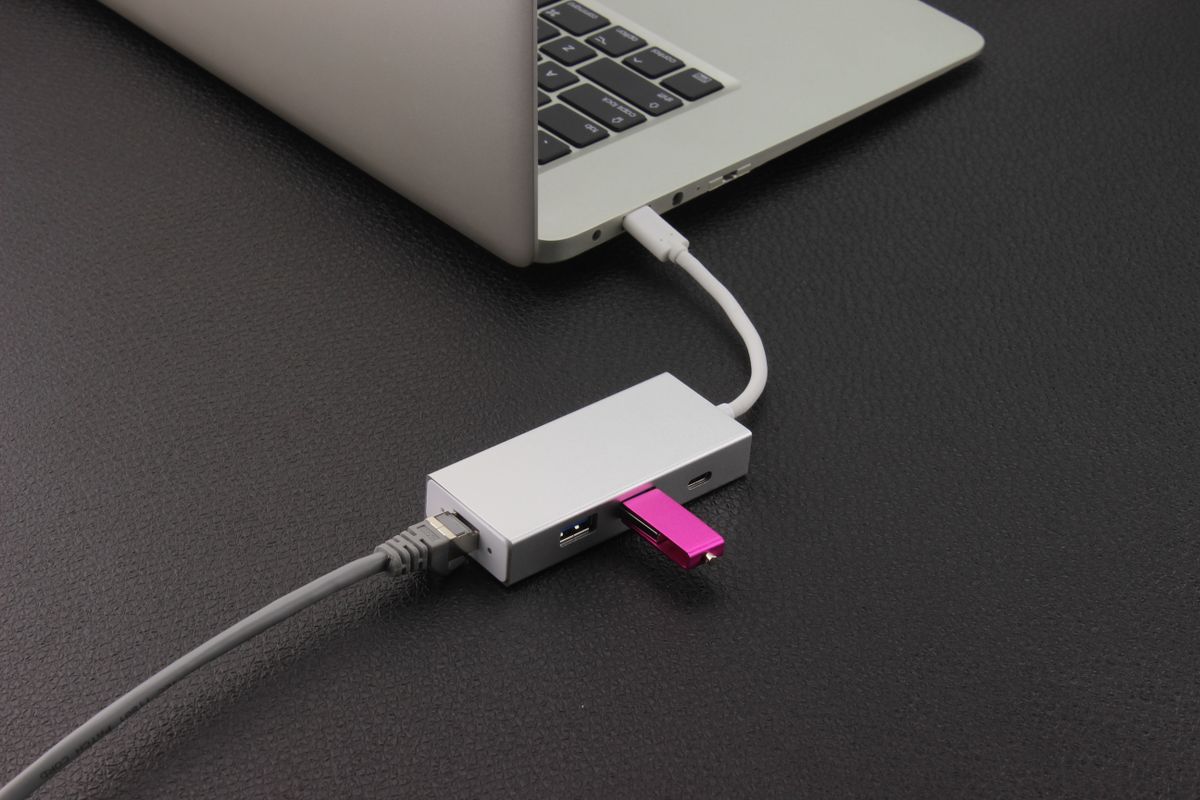
If the problem is a keyboard receiver, a mouse and one occasional flash drive competing for two USB ports, a full docking station may add more complexity than value. A hub expands the available connections. It can be small enough to remain beside the laptop and inexpensive enough that unused video and network features need not enter the decision.
First separate low-demand peripherals from devices that move substantial data or need more power. A keyboard is not the same workload as a bus-powered external drive. Several fast drives attached through one hub share the connection back to the computer, so counting the downstream sockets does not tell you the combined performance.
Powered or bus-powered?
A bus-powered hub takes its operating power from the computer. That keeps the desk free of another adapter, but its available power is limited by the host connection and hub design. A self-powered hub has its own supply and may be a better fit for several devices that need more power. Its specification should state what it can deliver; the presence of a power socket alone is not a complete answer.
Do not assume that a hub's USB-C power input will charge the laptop. Some products use that input only for attached devices. Others explicitly support charging pass-through. Read the descriptions of the upstream connection, downstream ports and power input separately. Similar-looking sockets can have different jobs.
Leave room around the ports
A wide flash drive or bulky wireless receiver can block the socket beside it. Compare spacing, not just port count. For a permanently connected keyboard and mouse, rear-facing sockets may keep the surface clearer. For frequent transfers, an accessible front-facing port is easier to use without lifting the whole hub.
The short attached cable on a compact hub can be awkward with a raised laptop. Place the hub on a supported surface where its weight does not hang from the computer. Avoid stacking adapters merely to stretch that cable across the desk; a product with a suitable host cable is a cleaner solution.
If a peripheral behaves inconsistently, connect it directly to the computer as a comparison. That helps distinguish the device from the expanded connection. A hub is a good answer to a modest port shortage when its power, speed and physical arrangement match the equipment. It does not need to be the center of the entire workspace.