Care & upkeep
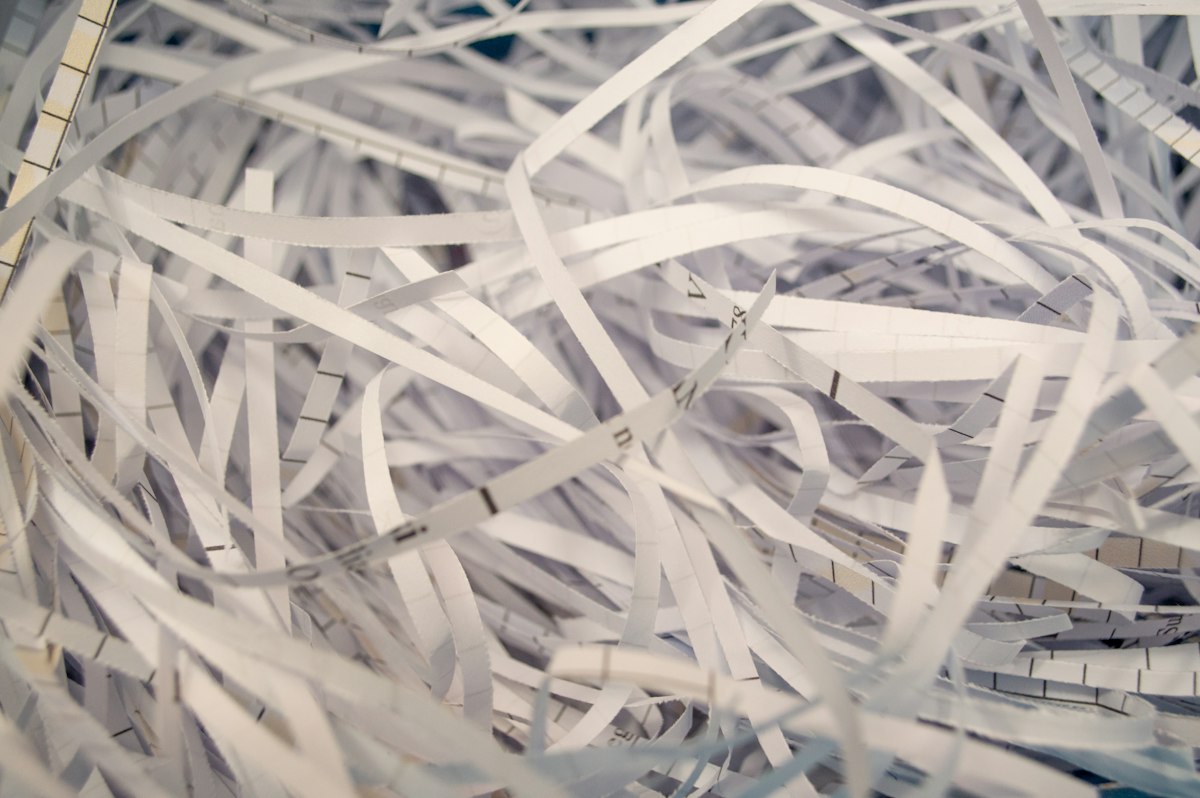
Shredder maintenance starts with the manual
The right paper, an unfilled bin and the specified lubrication routine do more than an improvised attempt at a stubborn jam.
Read the noteThe notebook
Browse by subject, or find a note about the task in front of you.
The right paper, an unfilled bin and the specified lubrication routine do more than an improvised attempt at a stubborn jam.
Read the note
Use stock approved for the printing technology and keep damaged or partly peeled sheets out of the paper path.
Read the note
An accessible cable route should let you identify both ends and remove one lead without disturbing the whole desk.
Read the note
Stop using an unstable chair and separate simple external checks from parts that need professional service or replacement.
Read the note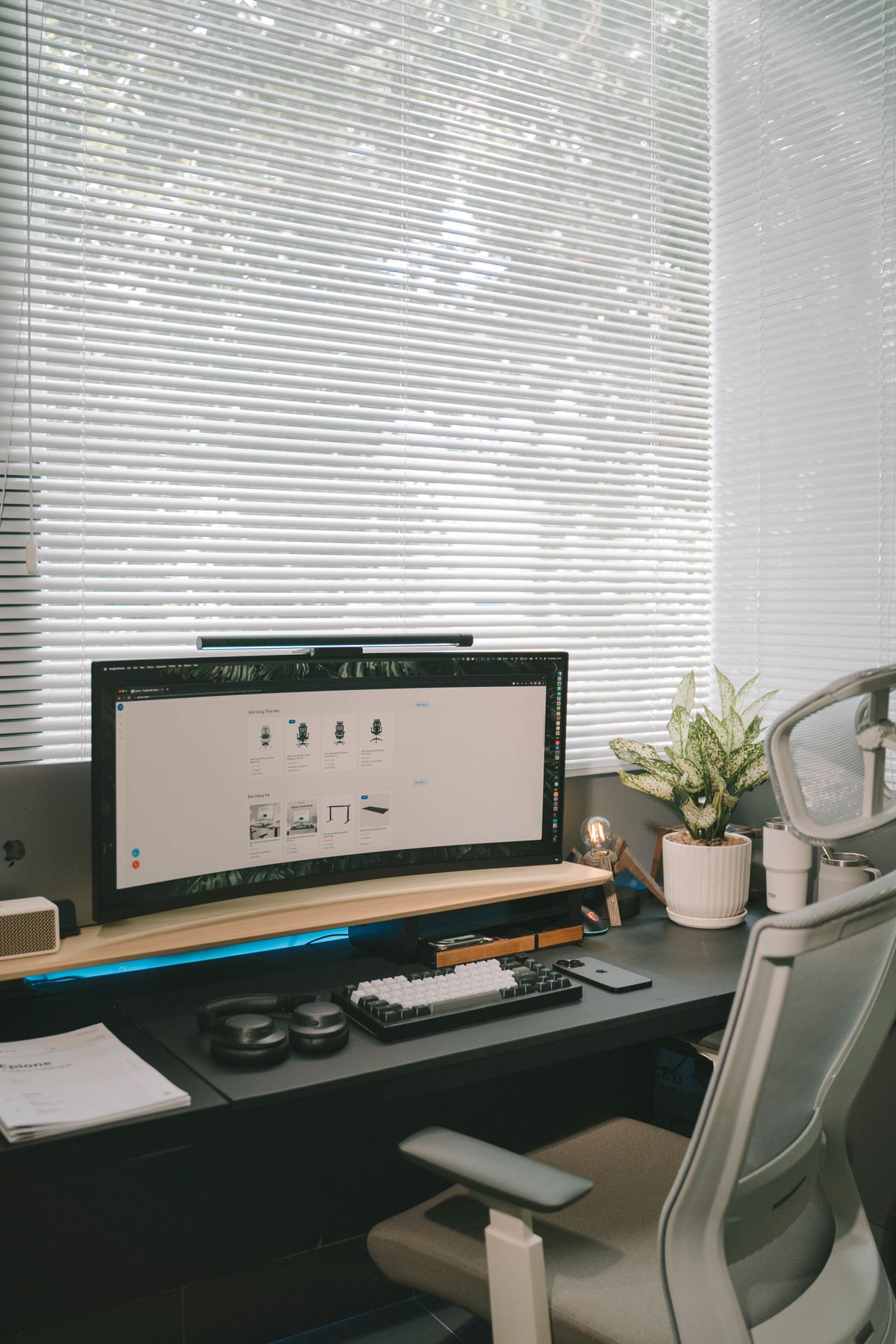
Identify the finish before choosing a cleaner; a similar color does not mean two desktops need the same treatment.
Read the note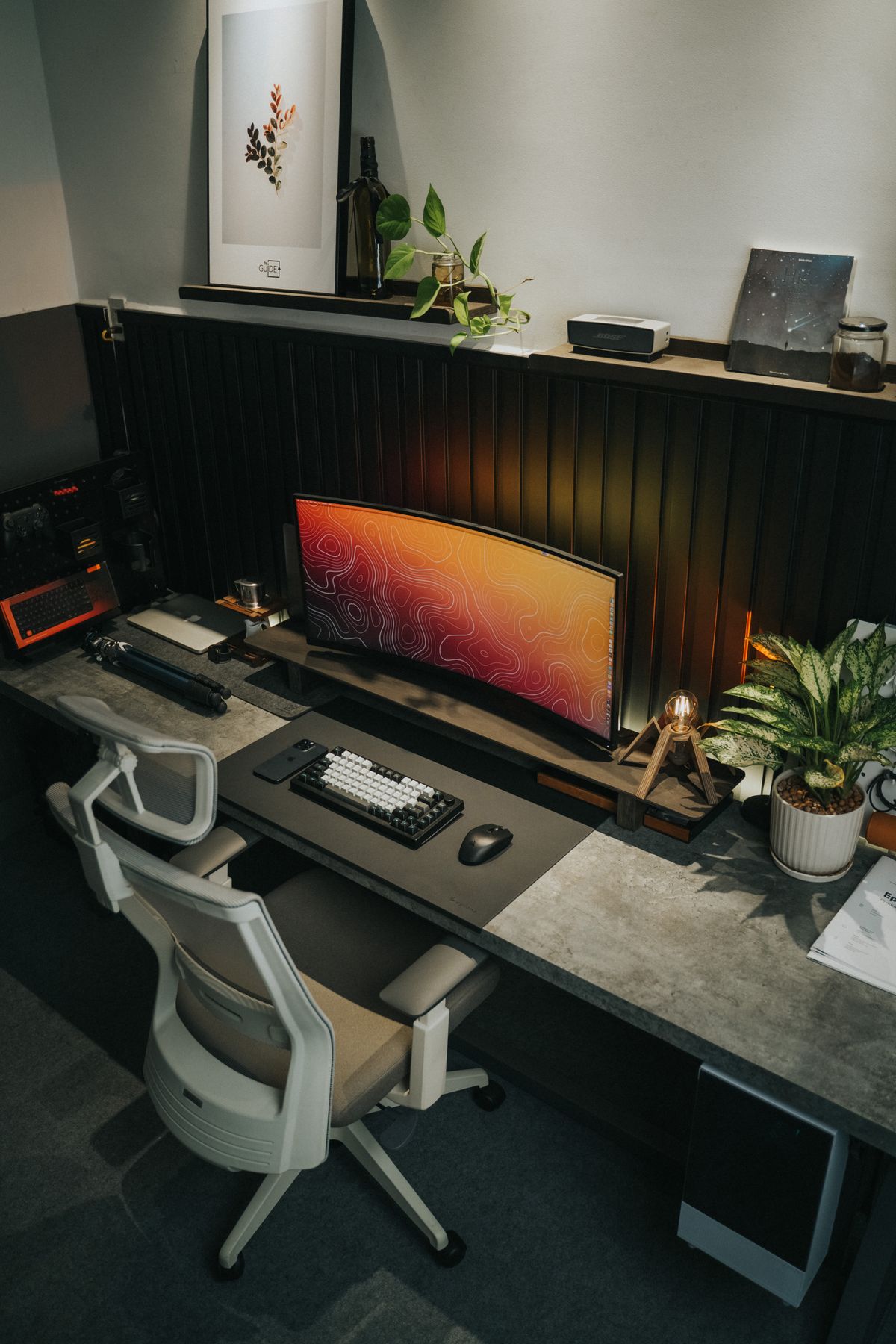
Keep exterior openings clear using the approved method, and leave internal cleaning to the procedure intended for the device.
Read the note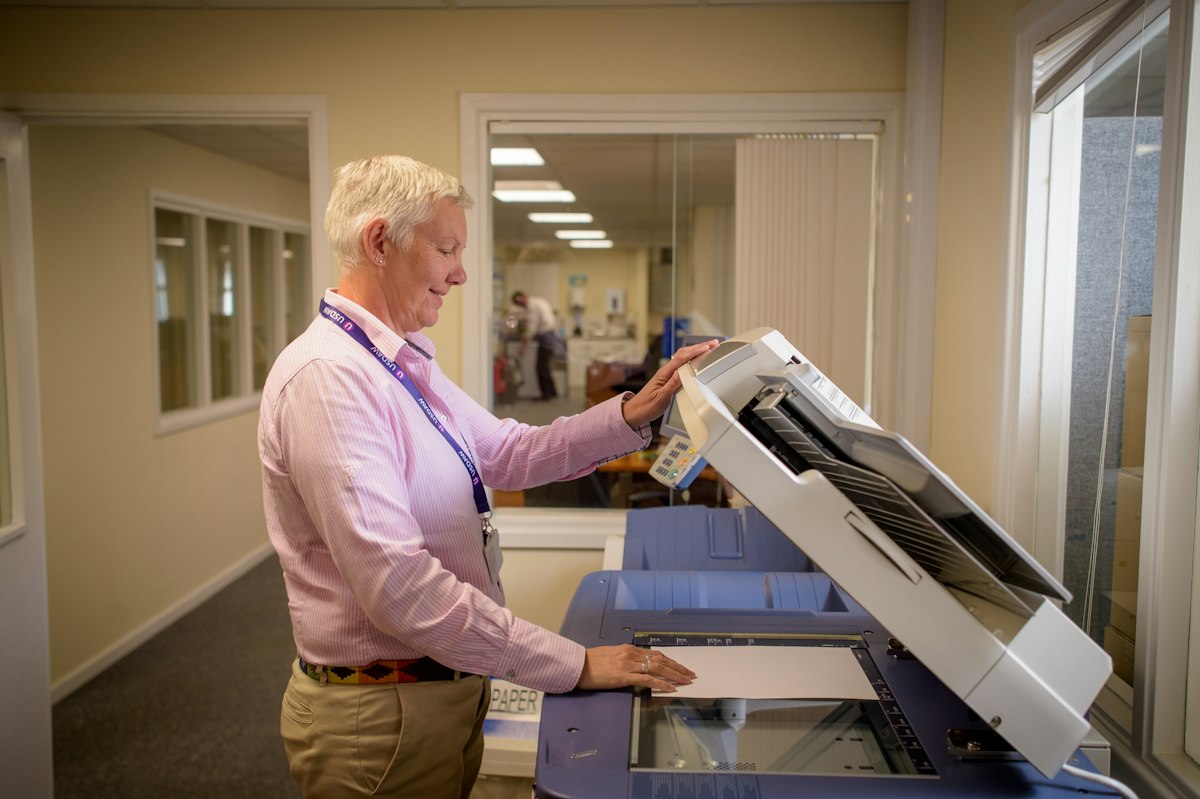
Find the transport instructions for the exact model before deciding what to remove, lock or leave installed.
Read the note
Protect the panel from pressure and keep the right cables with the right devices, even when the destination is nearby.
Read the note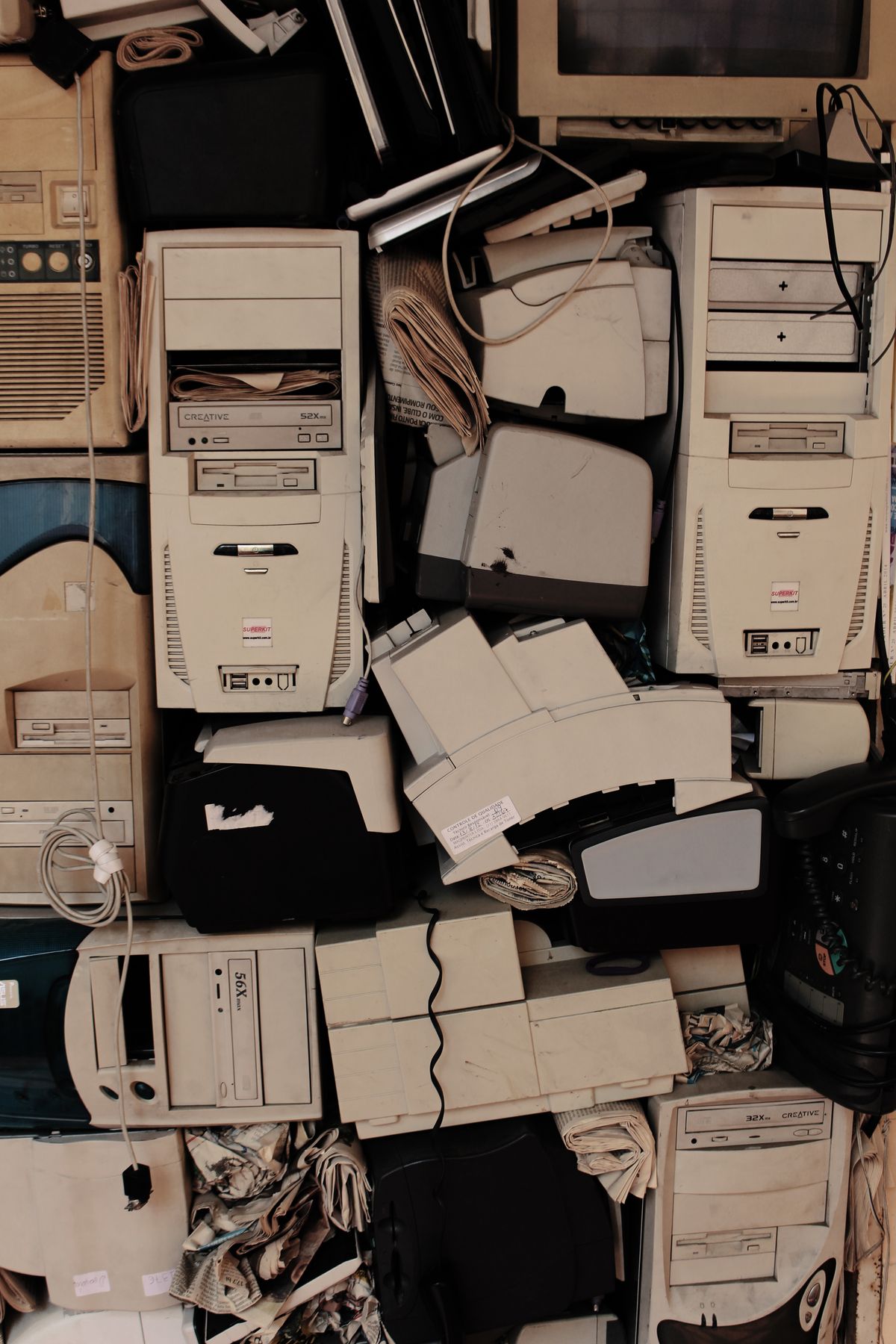
Verify the files you need to keep, then use a suitable erase process before the computer leaves your control.
Read the note