A short move can tempt you to carry a monitor with its cables dangling and a keyboard balanced against it. The journey may take only a minute, but a plug hitting the panel or a cable catching a doorway can still cause damage. Preparing a few separate, manageable items makes the move easier to control.
Record the connections while they still make sense
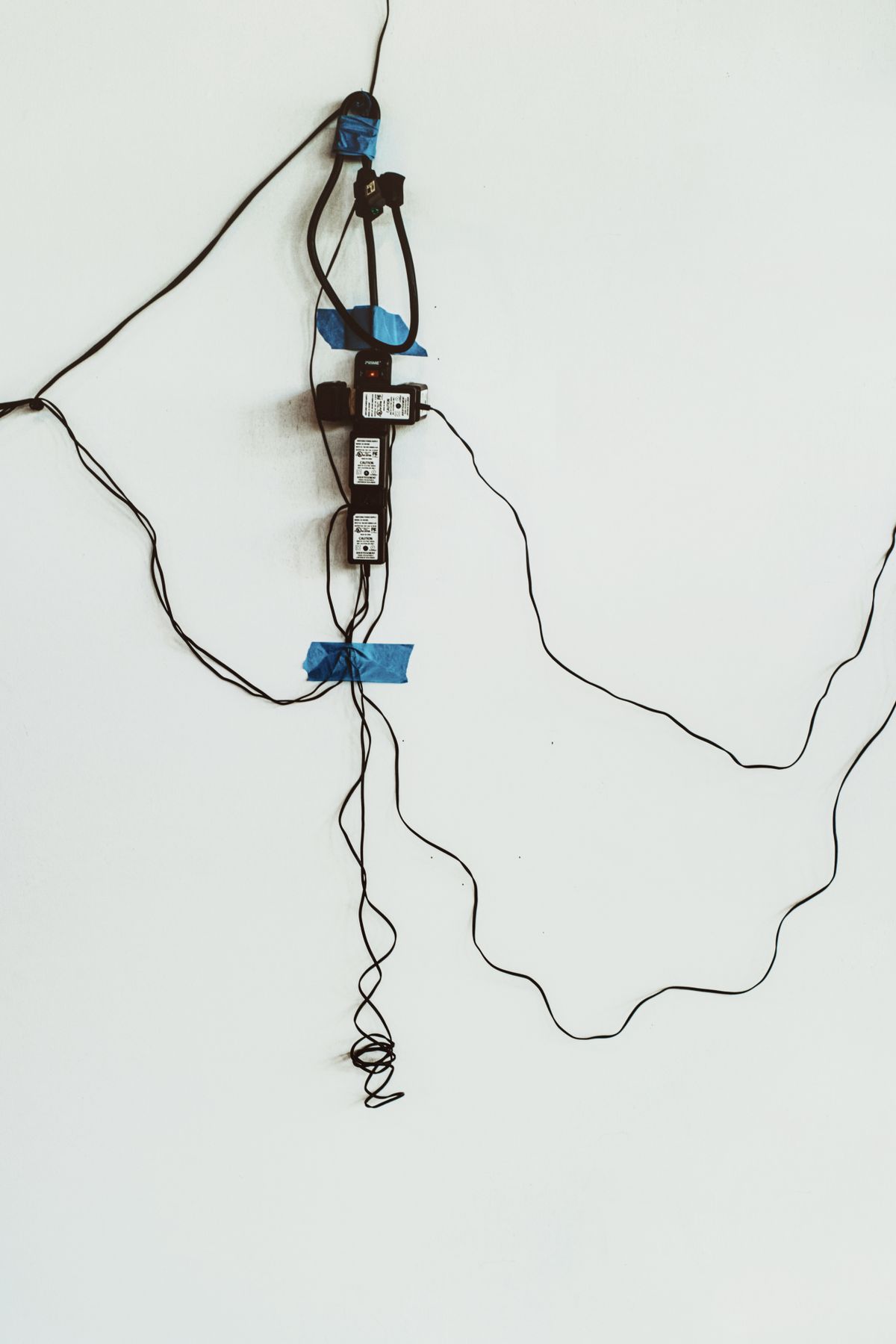
Take a clear photograph of the connections and label unfamiliar leads at both ends. Save work and shut devices down before disconnecting them. Remove cables by their connectors using the appropriate release mechanism rather than pulling the wire. Keep each power adapter identified with its device so similar-looking plugs are not swapped later.
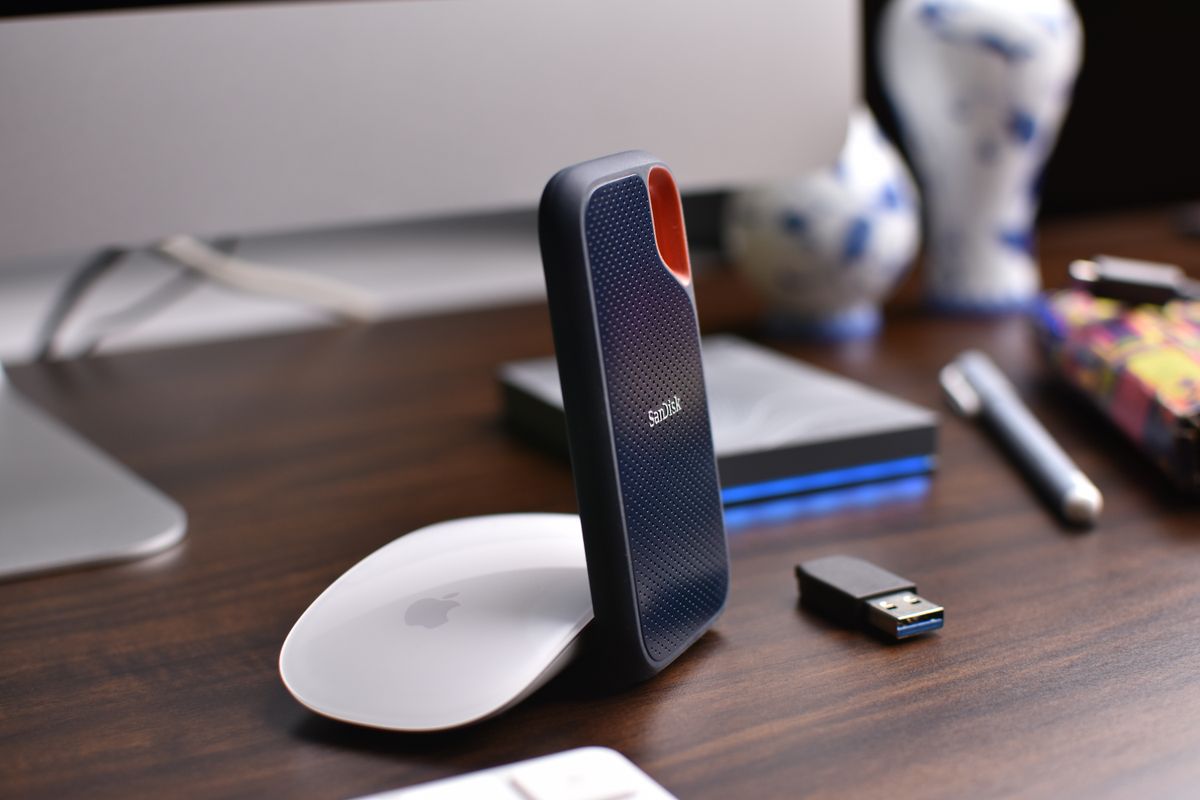
Put small receivers, adapters and user-removable accessories in labeled containers. A tiny wireless receiver left in the back of a computer can be overlooked when the keyboard is packed separately. Avoid loose metal objects in the same compartment as a screen or other delicate surface.
Use packaging that supports the equipment
Original shaped packaging is useful when it remains in good condition and belongs to that exact model. It supports the housing at intended points instead of placing pressure on the panel. Follow the manufacturer's instructions for removing or securing the stand. Do not detach a heavy base while the screen is unsupported.
If the original box is unavailable, use suitable protective packaging that prevents movement without pressing on the display. Keep hard objects away from the panel and avoid placing the monitor where another box will bear down on it. A blanket wrapped loosely around the case may prevent a scratch but does not necessarily provide structural protection for a journey in a vehicle.
Carry the device using the approved grip and with help where its size or weight requires it. Do not lift by an adjustment arm or stand component unless the instructions permit that method. Keep the path clear and put the equipment onto a stable surface before reaching for the next item.
Reconnect deliberately
Inspect cables, housings and connectors for visible damage before restoring power. Match adapters by their documented specifications and labels. Reconnect one device at a time, using the photographs as a guide, and confirm normal operation. If equipment has been exposed to a major temperature change, follow its acclimation instructions before use. A careful restart makes any problem easier to identify than plugging everything in at once and guessing which connection has changed.