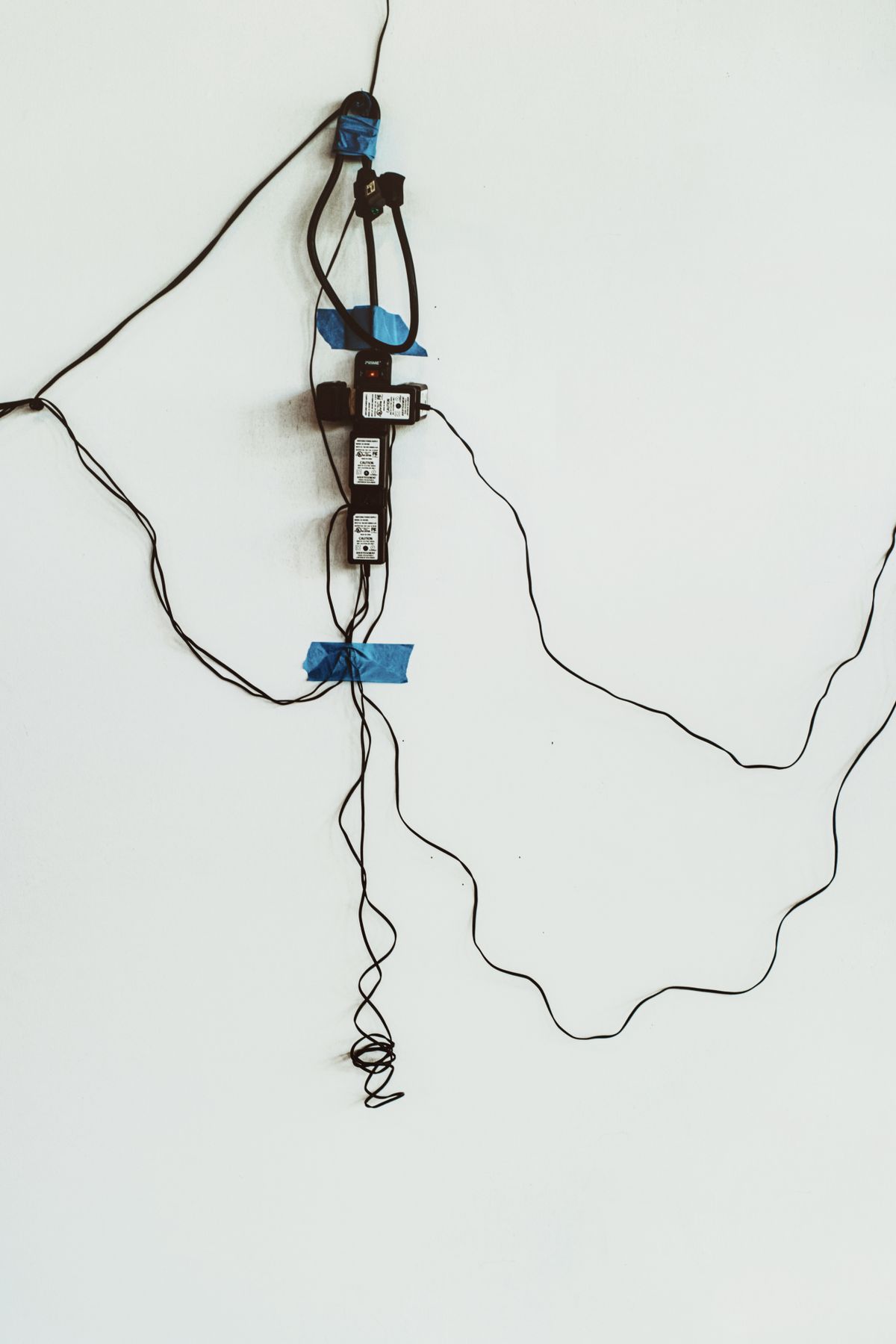
A tightly wrapped bundle can look orderly while making a damaged cable difficult to find. Cable organization is more useful when each lead remains identifiable, can move without strain and can be replaced independently. The neatest possible photograph is not the best maintenance test.
Give each connection a readable identity
Label both ends where confusion is likely, using a short description such as monitor power or printer USB. Put labels where they can be read without disconnecting the cable. Avoid covering ventilation, safety markings or the part of a connector that must move. There is no need to put passwords, account details or other private information on a cable tag.
Keep a little service slack near equipment that moves, but do not leave loops across the floor or beneath chair wheels. Use suitable reusable ties loosely enough that they do not crush the insulation. Sharp bends, tension at a plug and a cable trapped by a desk leg can remain hidden inside an attractive bundle.
Inspect with the equipment safely disconnected
Save work and shut equipment down before rearranging connections. Disconnect power safely by the plug rather than pulling the cord. Look for cracked insulation, exposed conductors, damaged plugs, looseness or signs of overheating. If a mains lead or power supply is damaged, stop using it and obtain an appropriate approved replacement or qualified help. Tape is not a repair for a damaged electrical cord.
Follow the cable's visible route, including the point where it enters a tray or passes through a desktop opening. An edge that looks harmless from above may rub the underside of a lead. Correct the route or use a suitable protective fitting without modifying the furniture or electrical equipment beyond its intended use.
When replacing a cable, match its function and rating as well as its connectors. Identical-looking USB-C leads can have different data, video and power capabilities. A power adapter needs the specifications required by the device, not merely a plug that fits. Keep useful labels or packaging information with unfamiliar specialist cables.
Reconnect one device at a time and check that it works before closing the tray or moving the desk back. Leave the route accessible enough that this process can be repeated without cutting a dozen ties. If a single cable can be removed with little disruption, the arrangement has done more for maintenance than a perfectly concealed nest ever could.