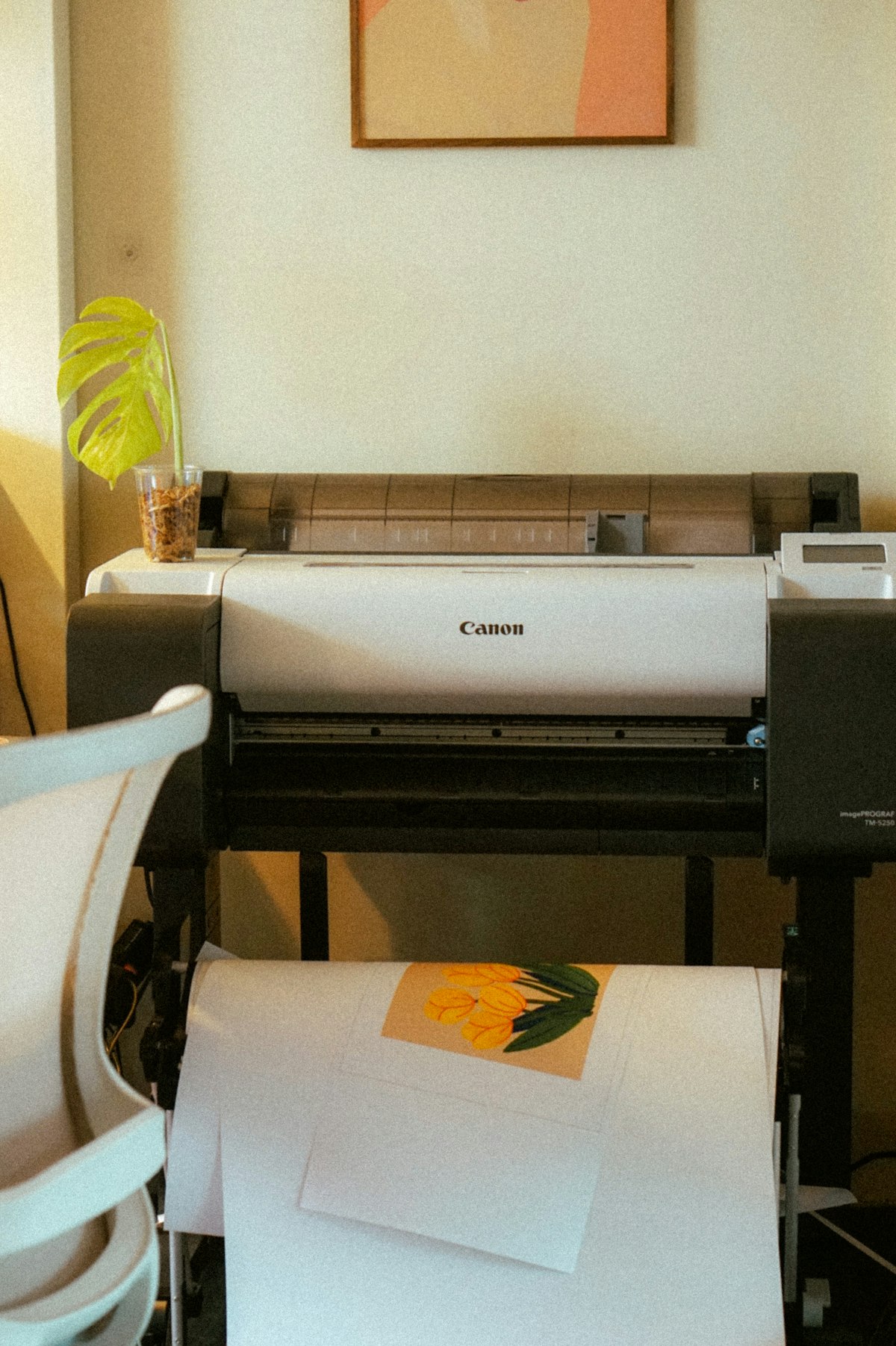
An inkjet that sits idle between occasional forms has a different routine from one used throughout the working week. The sensible goal is to keep it in the conditions its manufacturer expects, not to run every maintenance command on a calendar just in case.
Let the machine finish shutting down
Use the printer's power button and wait for the stated shutdown sequence before disconnecting it when disconnection is appropriate. Many inkjet designs need that sequence to park the print head correctly. Cutting power at a wall switch while the machine is active can interrupt it. Check whether your model recommends remaining connected between uses; automatic maintenance behavior varies.
Keep the printer within its specified storage and operating environment. A location beside a heater, in strong sun or in a very dusty room can be unsuitable even if it frees up desk space. Close paper supports and covers as instructed when the machine is unused, but do not place a cover over operating equipment or block ventilation.
Use the manufacturer's interval, not a rumor
Some manuals recommend periodic printing during otherwise quiet periods. Follow the interval and type of use stated for your machine rather than treating a generic weekly test page as a rule for every inkjet. There is no benefit in producing unnecessary pages if the recommendation does not apply, and a rigid habit cannot compensate for unsuitable storage.
Before an important job after a long gap, allow time for a small test. If the output shows missing segments or bands, use the model's nozzle-check procedure. A check is diagnostic; cleaning is a separate action that consumes ink. Follow the specified sequence, supply-level requirements and waiting periods, and stop when the instructions say to seek further help.
Do not remove cartridges or drain tanks merely because the printer will be idle. Long-term storage and transport can require different preparation, and the correct steps depend on the model. Keep supplies installed or remove them only as the relevant manufacturer procedure directs.
If infrequent printing repeatedly leaves you with urgent troubleshooting, reconsider the workload as well as the maintenance. A different type of printer or an outside service may suit occasional needs better. For the machine you already own, a normal shutdown, suitable surroundings and a little time before an important deadline are more useful than repeated deep-cleaning cycles performed without evidence that they are needed.