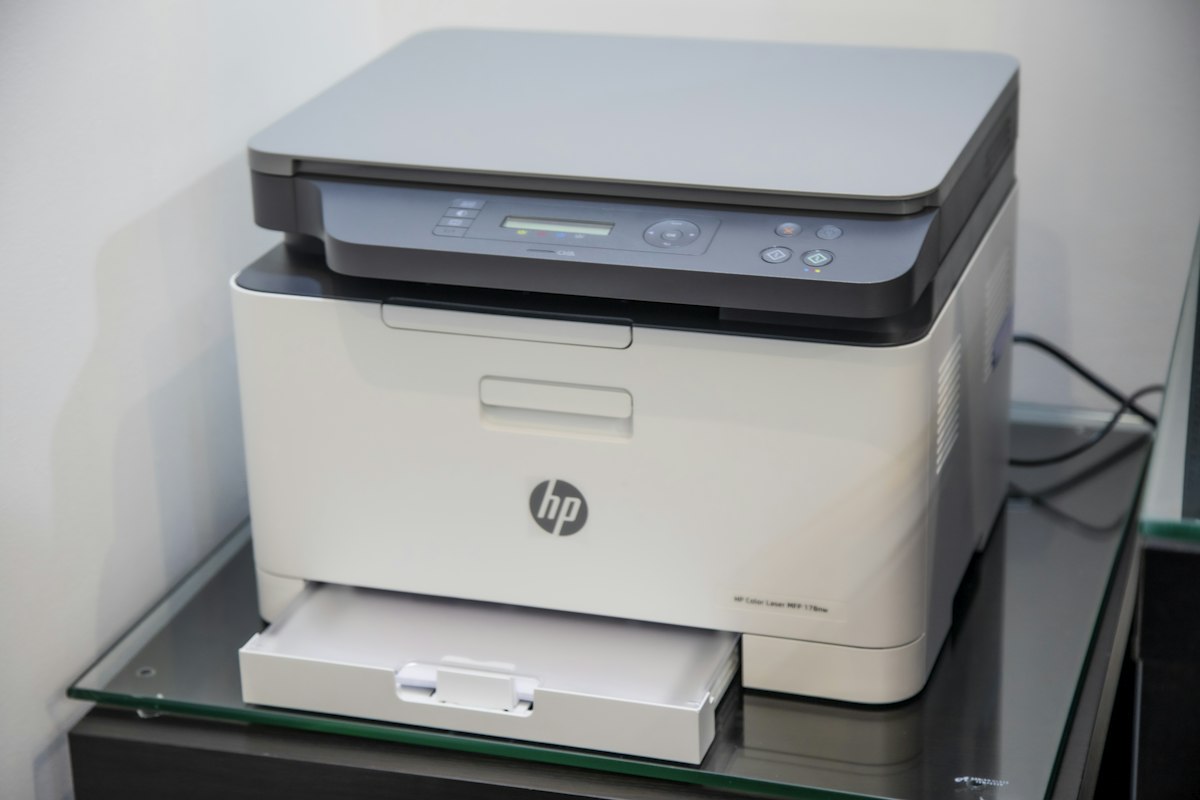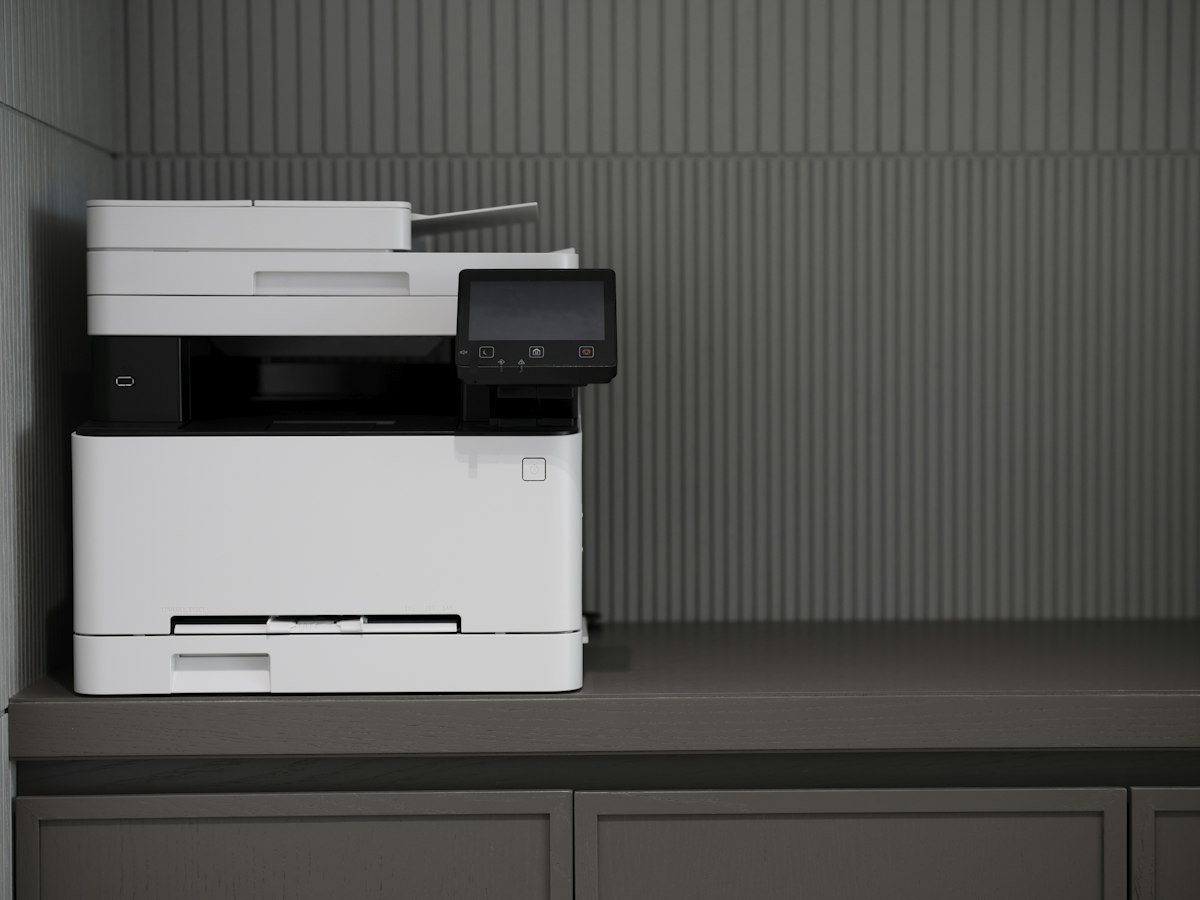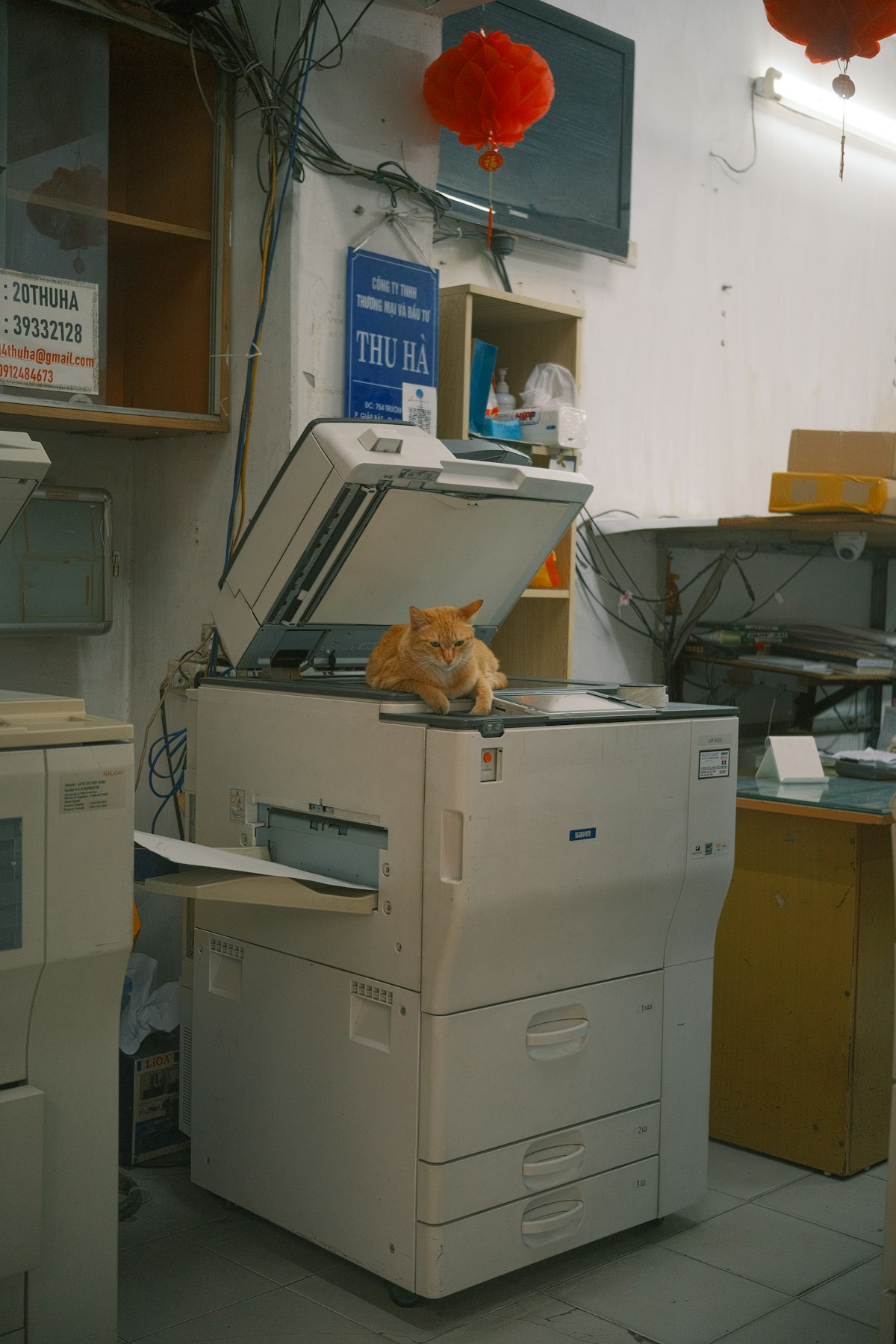
A used office printer can look reassuringly substantial while hiding an expensive next purchase. The toner may be nearly finished, a maintenance part may be due, or the software may no longer suit the computer you intend to use. Inspect it as a complete working system rather than as a discounted box.
Identify exactly what is being sold
Record the full model number, including any suffix. Similar-looking versions can have different network connections, duplex features or accessories. Compare the seller's photographs with the manufacturer's manual and confirm what trays, power cables and removable parts are included. If an optional component is essential, do not assume it comes with the base machine.
Check current operating-system support on the manufacturer's official support site. A driver on an old disc is not evidence that the device will work properly with your present computer. Look at scanning support separately from printing, and check the connection you intend to use. A printer that works through a seller's existing setup may depend on software or configuration that is not part of the sale.
Ask for a demonstration with ordinary work
With the seller's permission, ask to see a representative print and any scanning or copying functions that matter to you. A page containing small text, gray areas and simple lines can reveal problems that a nearly blank test sheet misses. Check both sides if duplexing is important. For a document feeder, verify page order and the back sides of originals when the model claims automatic duplex scanning.
Listen for unusual operation without attempting to diagnose internal faults yourself. Look for repeated jams, damaged trays, cracked hinges or a paper path that requires persuasion. A seller may have a reasonable explanation, but a problem you cannot evaluate should remain an uncertainty in the purchase rather than becoming an assumed easy repair.
A usage counter can provide context, not a complete service history. It does not establish how the printer was stored, what materials passed through it or whether every maintenance task was performed correctly. Ask for service records when available and check the displayed supply status. Estimated supply levels can change and should not be treated as a guarantee of remaining pages.
Price the next ordinary expense
Find the replacement codes for ink or toner and any separate drum, maintenance box or other routine part. Add the supplies likely to be needed soon to the purchase price. Verify availability from a source you are willing to use. A low machine price can lose its appeal if the next required part is unavailable or exceeds the value of the purchase.
Clarify the return arrangement and what happens if the printer cannot complete the demonstrated functions after delivery. Keep the listing and proof of purchase. Ask whether administrator settings, stored jobs, address books and network credentials will be cleared through the manufacturer's procedure before transfer. Do not browse a previous owner's stored information while investigating the machine.
Finally, plan transport using the exact model's instructions. Ink tanks, cartridges and moving assemblies can have specific preparation requirements. If the seller cannot show the printer working, cannot provide its identity or expects you to solve an unexplained fault, judge the purchase as an uncertain repair project. That is a different proposition from buying a ready-to-use office printer.