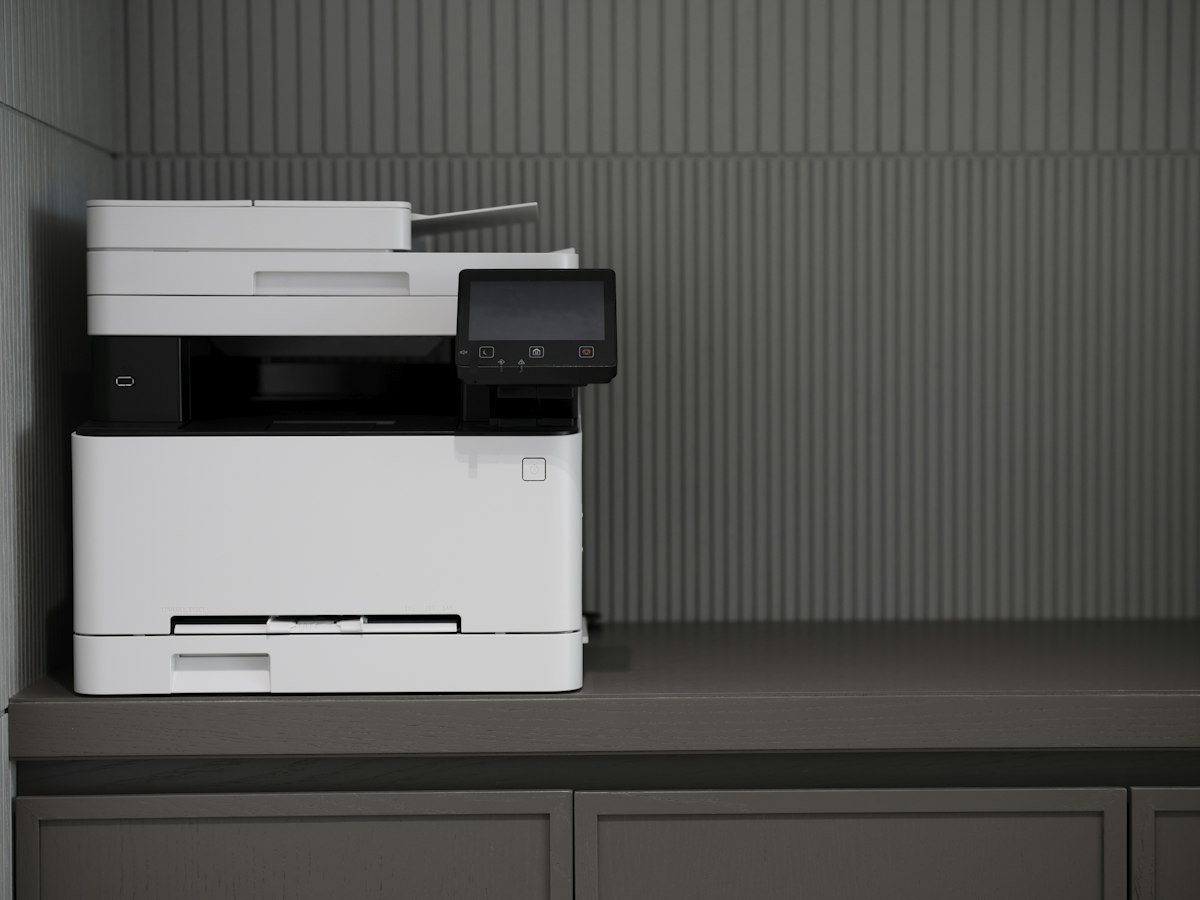
Scanning a single signed page on a flatbed is a small task. Scanning a packet that requires lifting the lid, changing the sheet and checking the file after every page becomes a different job. An automatic document feeder, usually shortened to ADF, moves suitable originals through the scanner for you. Its value depends less on how much you print than on how many originals you scan or copy together.
Look at the last few document jobs you completed. Were they loose sheets of similar size, or a mixture of books, photographs and receipts? A feeder suits the first group. It may be unsuitable for the second, especially if originals are fragile, folded, attached to something else or outside its permitted size and weight range. A flatbed can remain useful even when a feeder is available.
Three similar phrases describe different functions
An ADF does not automatically mean two-sided scanning. A machine can feed a stack of originals and capture only one side of each sheet. Automatic duplex printing describes putting output on both sides of paper; it says nothing by itself about reading both sides of an original. Look for a separate statement about automatic two-sided scanning, then check any limits on document size and software support.
A duplex feeder may reverse each original or capture both sides in one pass. That distinction can affect handling and job time, but it is not necessary to choose the more elaborate system for every office. What matters is whether your usual packet can be processed without manually turning and reordering pages. If you scan signed contracts with notes on the back, a missing second side is more consequential than a modest difference in speed.
The file matters as much as the feed tray
Check how the scanning software combines pages, names the result and saves it to the destination you use. A multi-page PDF is different from a folder full of separate images. Searchable text requires optical character recognition, and its accuracy should be checked rather than assumed. Small print, unusual layouts and faint originals can leave errors even when the visible page looks acceptable.
Ask whether the controls you need work from the printer, from a computer or from a particular app. A button marked scan may not offer every option without software running elsewhere. If several people share the machine, a short, repeatable route to their own folders may be more useful than a long list of destinations nobody intends to maintain.
Before feeding a batch, remove staples and clips, check for stuck pages and follow the loading direction in the manual. Review the resulting page count and a few pages throughout the file before putting away the originals. A feeder reduces handling; it does not remove the need to notice whether the complete document arrived in the right order.