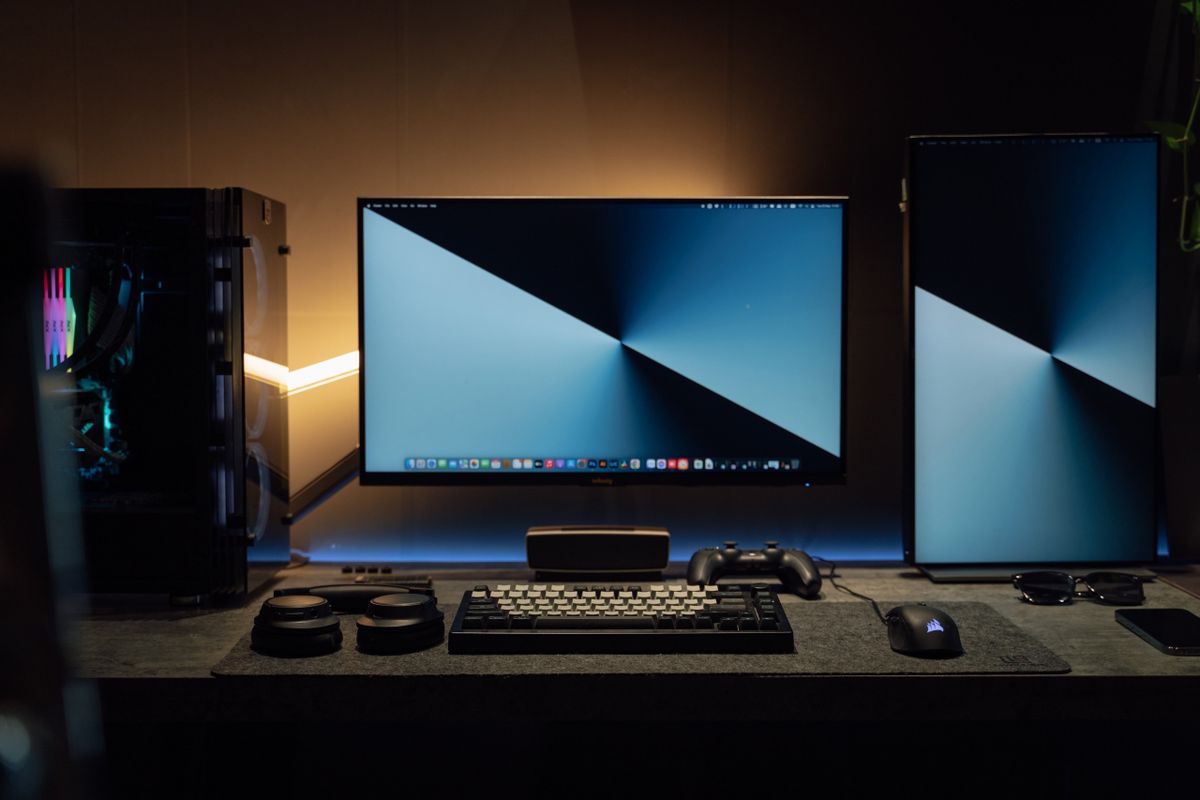
Two screens can make it easy to keep a reference document visible while writing elsewhere. One wide screen can provide an uninterrupted area for a spreadsheet or timeline. Neither arrangement is automatically more productive. The useful choice depends on how you divide your work and whether the desk can support the arrangement comfortably.
Draw the windows before the monitors
Sketch the applications you tend to keep visible. If you repeatedly compare two independent documents, separate screens can create a clear boundary. If a single application needs a broad uninterrupted workspace, the join between two monitors may be inconvenient. A wide display can also hold several smaller windows, provided you are willing to use the operating system's window arrangement tools.
Video calls introduce another consideration. Sharing an entire very wide screen can make text small for viewers on ordinary laptops. You may prefer to share one application window or a selected area if the meeting software supports it. With two displays, one can hold the shared content while the other holds notes, but check carefully that private information remains on the unshared screen.
Measure what sits on the furniture
A pair of modest monitors can occupy more width and stand space than expected. Mark their full outside dimensions, including bezels, and the footprint of both bases. A single wide screen may have a broad or deep stand of its own. Allow room for the keyboard, paperwork and any speakers instead of treating the full desktop as available display space.
Position the screen or portion you use most directly in front of you, then consider how often you will turn toward the other content. An arrangement that looks balanced in a photograph may put the main task off to one side. Monitor arms can change the footprint, but they introduce desk compatibility, load and mounting requirements that should be checked separately.
The computer has a vote
Verify how many external displays the computer supports, at which resolutions and through which ports. A dock with several sockets cannot necessarily overcome a laptop's display limitations. For a wide monitor, check support for its exact resolution. For two monitors, check whether the intended connection provides two independent desktops rather than mirroring the same image.
If the displays differ in size or resolution, test scaling and the movement of windows between them. A useful arrangement should not require constant resizing to keep text comfortable. Compare total cost, including the needed cables or mount, then choose the layout that supports your regular tasks. More visible pixels are helpful only when they form a workspace you can actually use.