A blue website heading can turn an otherwise ordinary printout into a color job. That does not mean color is useful on the page. Before paying for the ability to print every document in color, look at which information would actually disappear or become confusing in black and white.
Charts are a good test. A graph with three lines distinguished only by red, green and blue may become unreadable when converted to gray. Adding labels, different line patterns or markers can make it usable in either format. A photograph of a product, on the other hand, may need color to communicate what the reader is considering. The decision belongs to the document, not simply to the presence of colored pixels.
Choose a routine, then allow exceptions
If invoices, drafts and reference pages dominate the workload, a black-and-white default can avoid accidental color output. Keep the method for selecting color easy to find for the jobs that require it. Check print preview after changing the setting, particularly when colored text sits on a shaded background. Contrast that looks clear on screen may not survive the conversion.
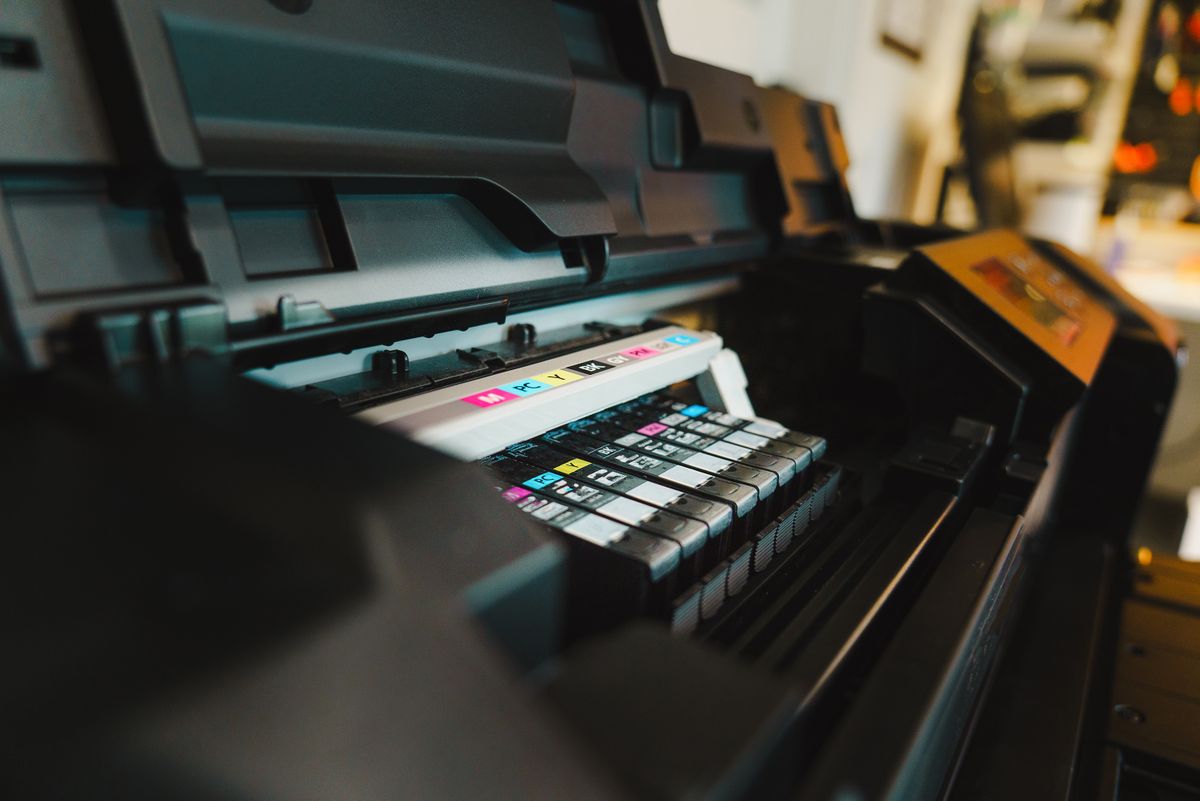
The printer's grayscale or black-only setting deserves a closer reading. Different models can produce gray using different combinations of supplies, and some color machines need their color supplies available for maintenance or continued operation. Do not assume that selecting black text makes every color consumable irrelevant. The exact manual is a better source than a general promise about inkjet or laser behavior.
Consider the occasional job separately
A few presentation pages each year may be easier to order from a print service than to justify a color printer. That calculation changes if you regularly need quick revisions, private documents or an unexpected page immediately. Include the inconvenience of traveling, uploading and waiting, as well as the service price. Convenience is part of the value, even when it does not fit neatly into a cost-per-page figure.
For photographs or customer-facing graphics, request a sample on the intended paper. A machine that produces perfectly usable charts is not necessarily the right choice for photographs. Check whether the sizes and finishes you want are supported, and remember that paper can influence the result as much as a higher quality setting.
Keep the purchasing question narrow: which recurring task would be difficult without color at this desk? If the answer is specific, evaluate machines against that task. If the answer is only that color might be useful someday, a smaller monochrome setup with an occasional outside service may be enough. Revisit the choice when the actual workload changes, rather than stocking color supplies for imagined jobs.