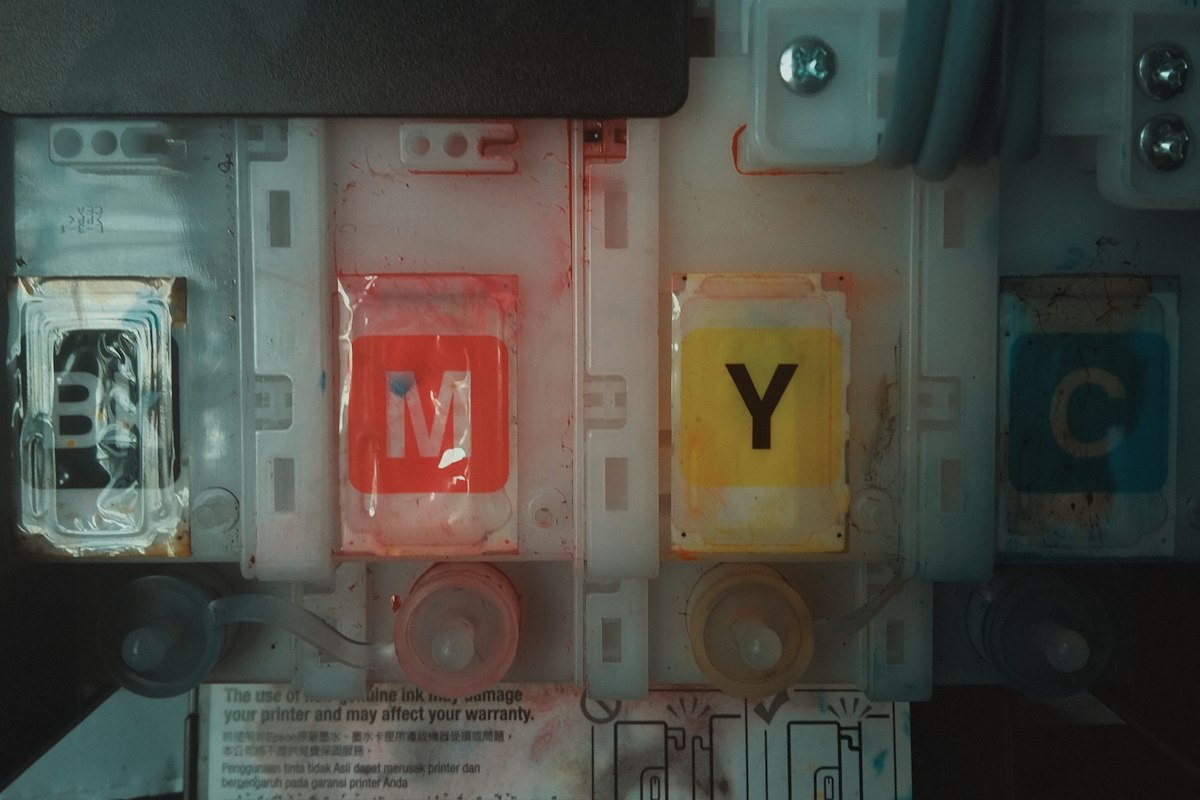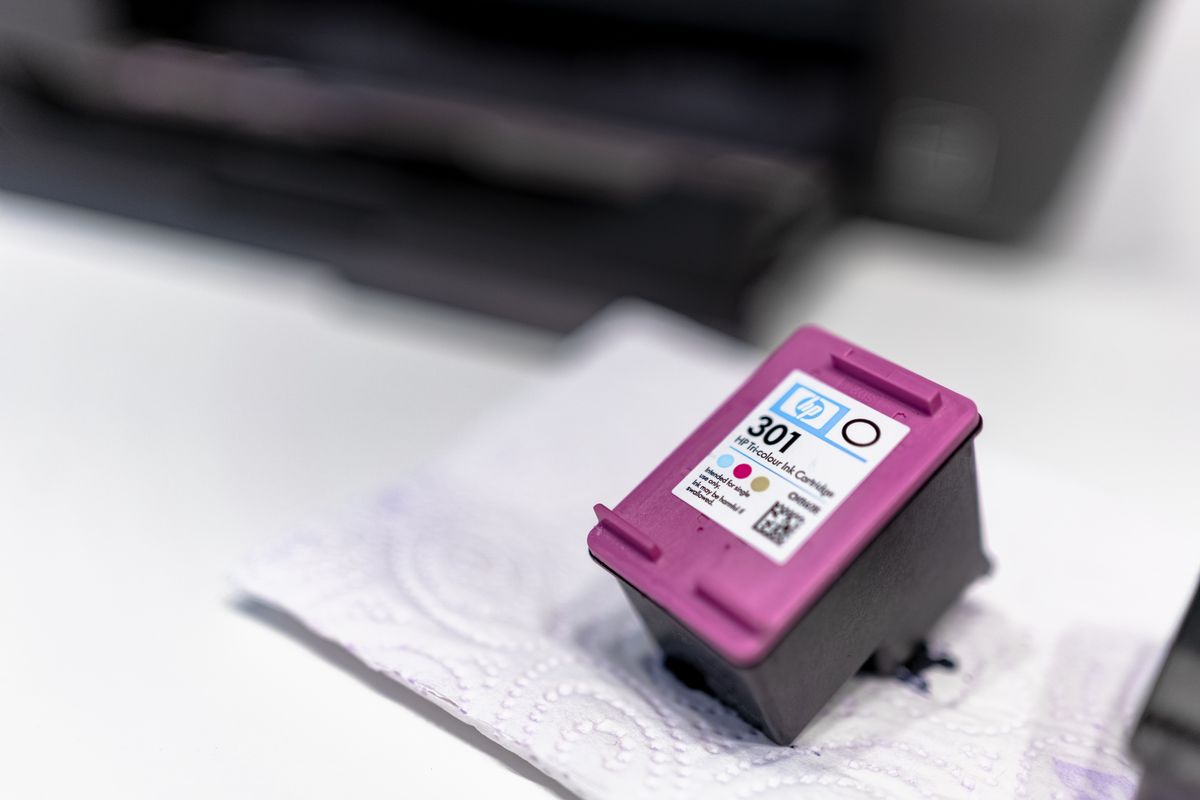
Two packs of address labels can have the same dimensions and behave very differently in a printer. The coating that accepts an inkjet's liquid ink is not necessarily suitable for a laser printer's heat and pressure. Before counting labels per sheet, find the printer type printed on the package. Use a product explicitly suitable for your machine; a dual-purpose label should say so.
The printer needs to accept the label stock as well. Some models restrict labels to a particular tray or feed path. Others have limits on media size and thickness that rule out small sheets even when the software offers a matching template. Check the manual for the exact model, not a general claim that a printer is 'great for labels.'
A template number is part of the supply
Keep the product code with the remaining sheets. It identifies more than the size of each sticker: spacing, margins and the number of rows can differ between apparently similar layouts. Using the nearest-looking template often creates a result that drifts farther out of alignment toward the bottom of the sheet.
Print the design on plain paper first. Hold it behind a label sheet against the light to check alignment, keeping the adhesive backing intact. Look at all four corners and the bottom row. If the top looks right but the bottom is wrong, review page size and scaling before moving individual text boxes around. The file and printer should use the sheet size specified by the label manufacturer.
Unless the template provider gives a different instruction, label designs usually depend on printing at their intended scale. An automatic 'fit to page' option can quietly shrink the whole layout. Check the preview and the system print settings, especially when a browser opens the PDF in its own viewer.
Feed a clean, complete sheet
A label sheet should be flat, intact and free of lifting edges. Follow both the printer and label maker's directions for the tray, media setting and number of sheets loaded. Do not assume that a partly used sheet is safe to send through again. Missing labels leave backing and edges in places the original feed design did not anticipate, and the manufacturer's instructions may prohibit a second pass.
Keep unprinted labels in their packaging so the sheets remain flat and the adhesive stays clean. If you routinely need just one address label, buying a format that suits small jobs may waste less than maintaining a collection of partly used full sheets. A dedicated label printer is another option, but its rolls have their own compatibility requirements.
After the first sheet emerges, inspect it before printing the rest. Let the print dry or settle as directed, then check that text is clear and does not rub away during normal handling. Apply one label to the intended envelope or package. Successful printing and successful adhesion are two different tests, and both need to work before a mailing is ready.