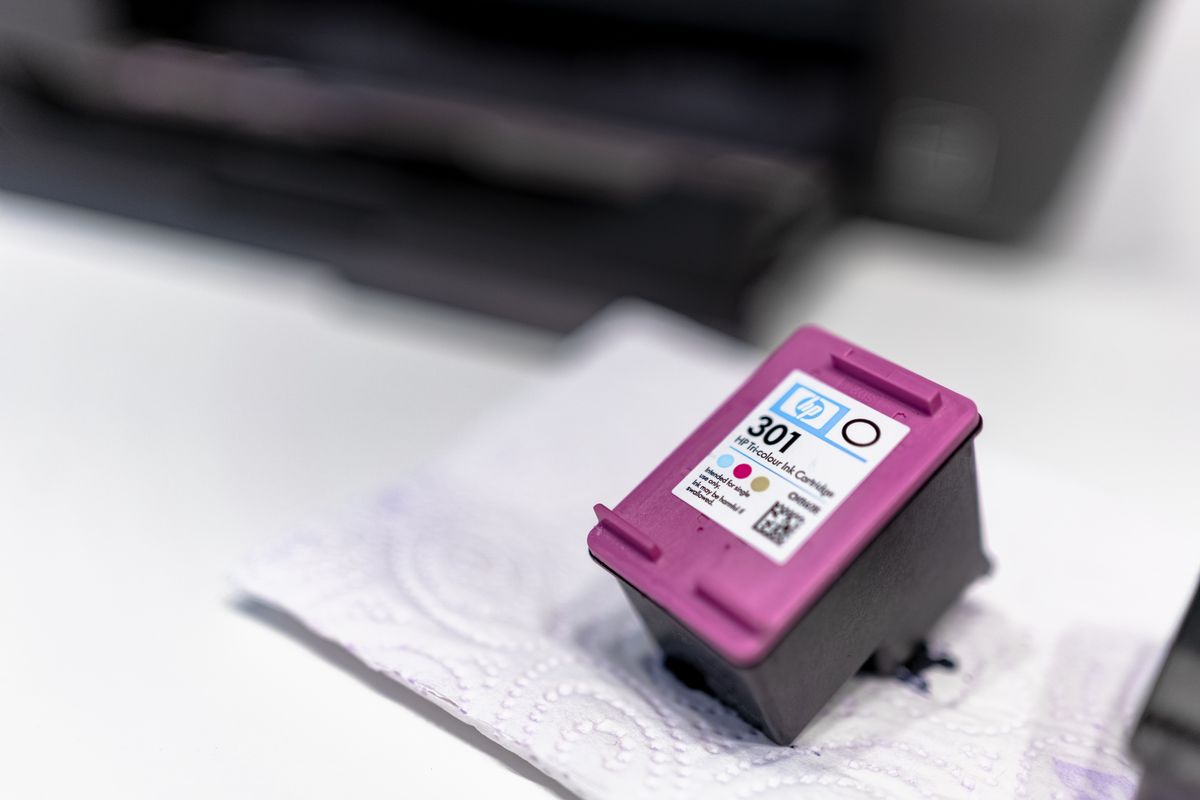
The printer reports that it needs black toner. A search brings up several boxes with nearly identical photographs, and one costs much less. Before ordering, find the complete supply code. Cartridge packaging is often designed as a family, so color and appearance are unreliable identifiers.
Write down the full printer model from the device label or its information screen. Include the letters and numbers after the main model name. Then check the manufacturer's supply information for that exact model. A shop listing can help locate a product, but it should not be the only evidence that the cartridge fits.
Compare the code on the existing cartridge or its original box if it is available. Treat that as a cross-check, especially if the printer was bought used or an earlier replacement was incorrect. The manufacturer's current compatibility information should resolve disagreements. If the printer identifies a specific supply in its status page, keep that information with the order.
Read the part after the familiar number
A suffix may distinguish a standard capacity from a high capacity, a color, a regional version or another variation. The meaning is not consistent across manufacturers, so do not guess that every extra letter means 'more ink.' Check the stated compatible models and the complete product reference.
Ink and toner are different supplies, and some laser printers have separate drums or maintenance units. A low-toner message is not automatically a request for every item shown in a replacement kit. Read the message carefully before selecting a bundle. Buying an unnecessary part does not solve the actual replacement need.
Region can matter too. HP's support information notes that moving a printer between countries or regions can require attention to cartridge compatibility. If the machine or its supplies were purchased abroad, verify that point before buying a large quantity from a marketplace seller. Subscription cartridges may also have conditions different from ordinary retail supplies.
Save the successful order as a small record containing the printer model, cartridge code, color and capacity. A photograph of the box label can be useful alongside the text, but do not store only a shopping link that may later point to another variation. Check the seller's selected option again at checkout; a listing with several colors or pack sizes can change the cart more easily than expected.
When the delivery arrives, compare the package label with the order before opening it. Keep seals intact until you are ready to install, subject to the supplier's return period and storage directions. Catching a code mismatch at the box stage is usually simpler than discovering it after the printer rejects an opened cartridge.