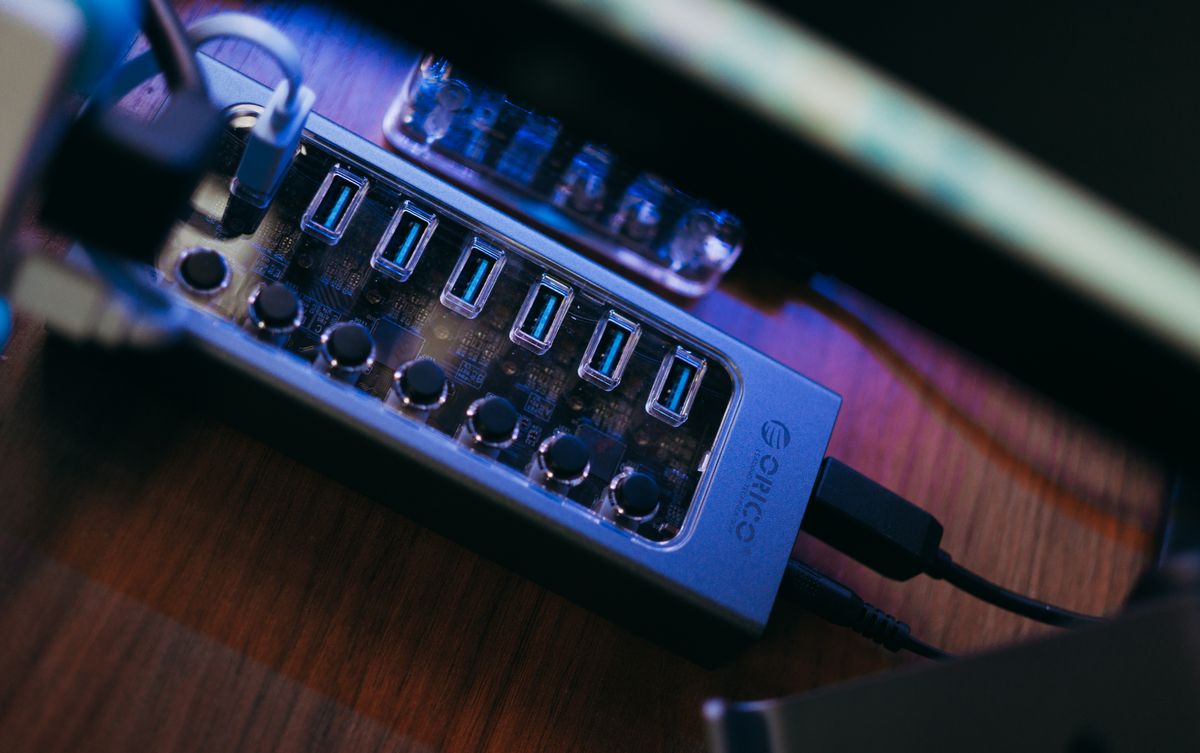
A docking station often starts in the center of the desk while the setup is new, then gets pushed behind the monitor to hide the cables. That can be a good position if the dock's vents remain clear and its useful ports are still reachable. It becomes less convenient when every flash drive connection requires pulling the entire device forward.
List the connections that stay in place and those you change frequently. A monitor cable and wired network connection may be permanent. A memory card, headset or removable drive may be inserted several times a day. Position the dock around the second group without putting strain on the first.
Let the host cable set a realistic boundary
The cable connecting the dock to the computer may be short for a reason. Use the supplied or manufacturer-approved cable and respect the dock's supported connection requirements. A longer cable with the same-looking plug is not necessarily equivalent. If the included lead cannot reach the desired position, look for a supported alternative rather than adding an arbitrary extension.
Allow room to insert and remove connectors straight. A dock wedged against a wall may leave too little space for a plug body or your fingers. Keep heavy cables from hanging in a way that pulls the device toward the desk edge.
Under-desk mounting can recover surface space, but only with a suitable mount and permission for that orientation. Do not cover vents or attach the device using adhesive that its heat or weight can defeat. Follow mounting instructions and check that screws or clamps are appropriate for the desktop.
Make the everyday connection simple
Put the laptop where its port can be reached without twisting the host cable sharply. If the computer is removed regularly, leave a convenient resting place for the disconnected cable so it does not fall behind the furniture. Keep liquids away from the connection area.
After arranging everything, test the devices you actually use: display, keyboard, network and any connected storage. Safely eject removable storage where required before disconnecting it or the dock. A neat position is only useful if the devices remain reliable and the necessary controls are accessible.
Leave the model number and power adapter identifiable. When a connection problem occurs later, being able to find the correct manual is more helpful than having every cable completely concealed.