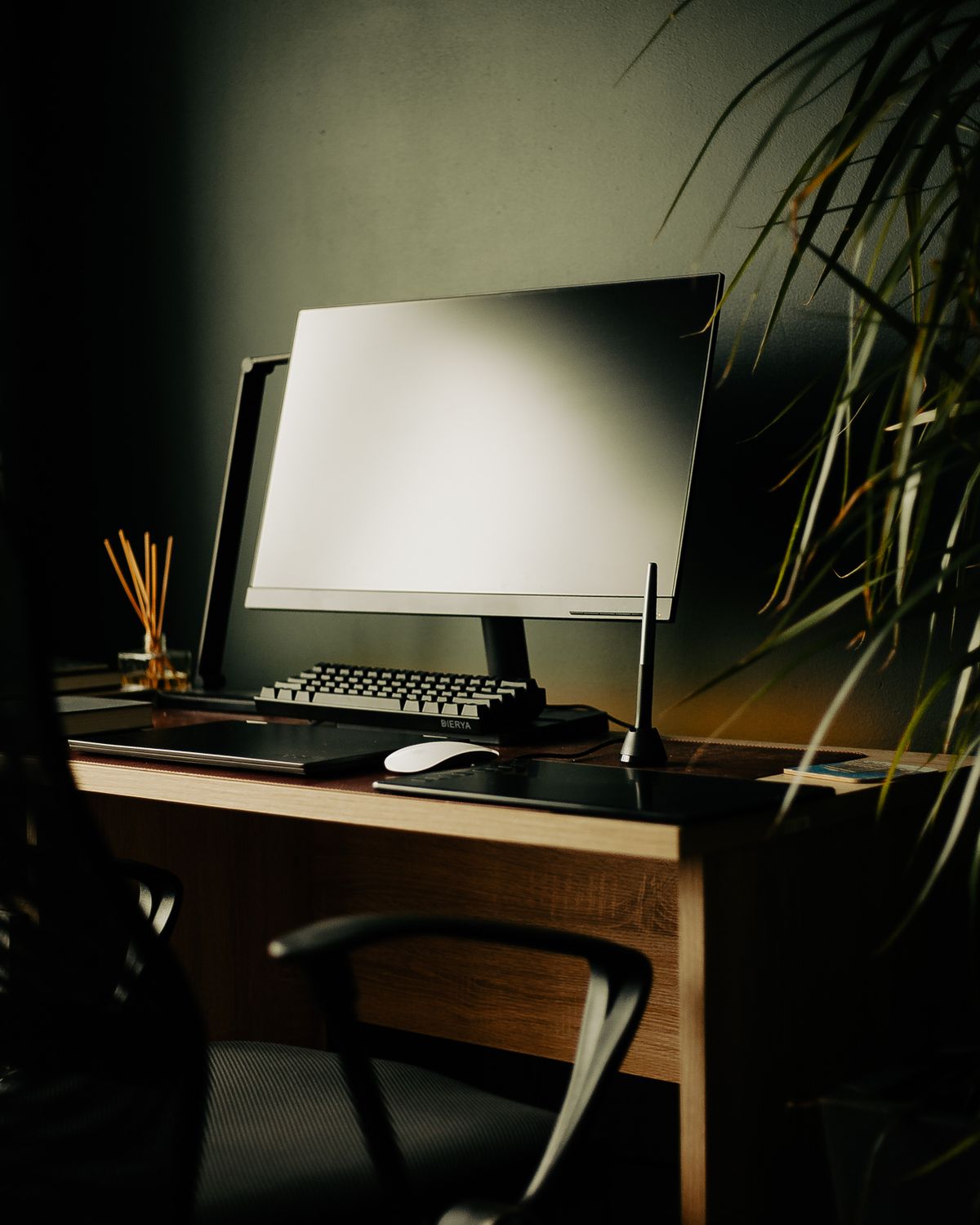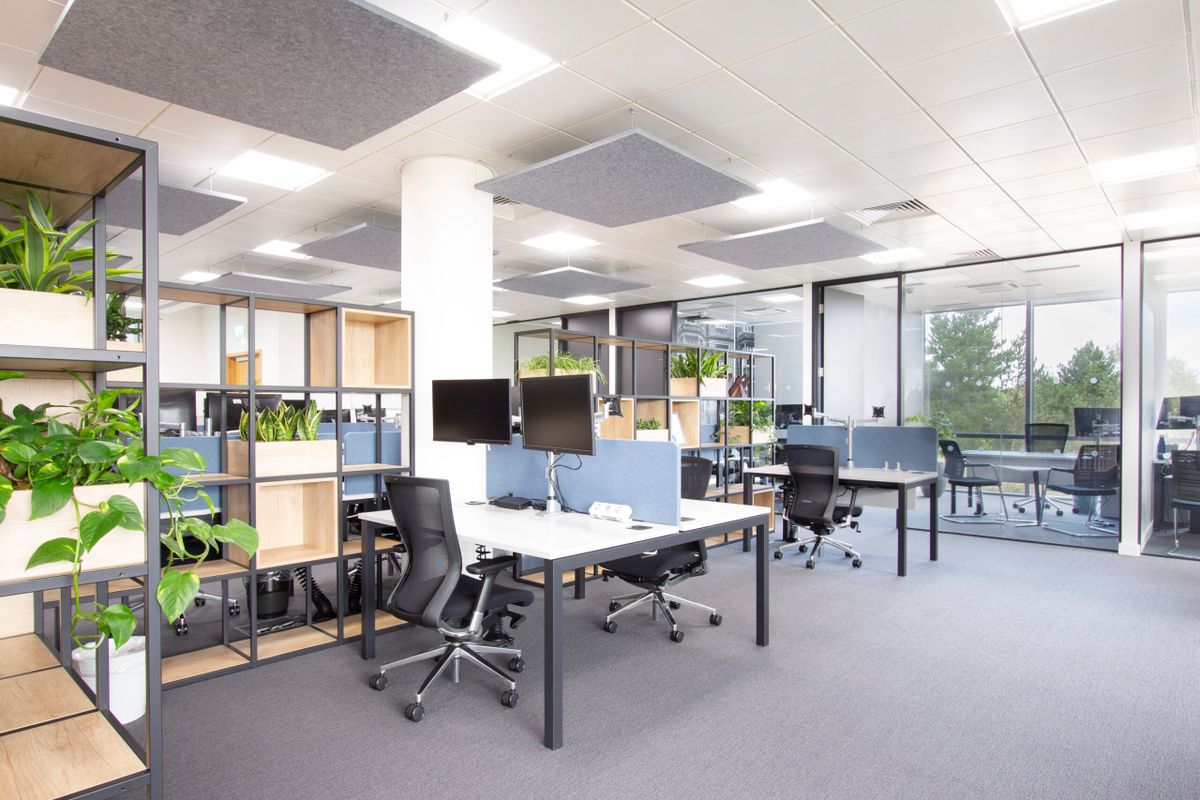
A shared desk works best when the next person can sit down without undoing someone else's entire setup. That does not mean every user must accept the same chair height or screen position. It means the adjustable parts are understandable and the personal items have somewhere else to go.
Begin by separating shared equipment from individual equipment. The display, lamp and keyboard may remain at the desk, while laptops and project folders leave with each user. If personal devices have different connection requirements, keep the correct cables identifiable. Similar connectors do not guarantee interchangeable charging or display functions.
Make adjustments easy to reverse
A short note describing the chair's controls can be useful when the controls are unfamiliar. Let each person find a suitable seat height, back support and armrest position. Do not mark one setting as correct for everyone. If the desk height is fixed, the range of suitable chairs and any needed foot support should be considered together.
A monitor stand or arm should move as its instructions permit without requiring a tool hunt. Avoid tightening every adjustment simply to preserve one user's preferred position. Leave enough cable slack for the supported movement, and make sure the display cannot strike a shelf or lamp.
Provide a small personal storage area for each regular user. A labeled drawer or tray can hold notes and small accessories without occupying the common working surface. Sensitive materials need appropriate protection; an open tray is not suitable for every document.
Define the handover in ordinary terms
At the end of a session, save work, sign out or lock the appropriate accounts, remove personal papers and leave shared equipment ready for the next user. Follow workplace or household requirements for shared devices rather than assuming that closing a browser ends every session.
Clear food and drink items, and clean touched surfaces using methods suitable for the equipment. Do not spray cleaner directly into a keyboard or onto a display. If users have separate headsets, provide storage that keeps the cables and ear cushions from being crushed.
Finally, agree what happens when something is missing or damaged. A brief note about a failing cable is more useful than letting the next person discover it during a call. A good handover is not a perfect photograph; it is a usable desk with no unexplained surprises.