If a bright window appears across your document whenever the screen shows a dark area, the problem is a reflection. If the window sits directly behind the monitor and overwhelms the view, the problem is different: the surrounding light is much brighter than the screen. Identifying which one you have saves a lot of unhelpful adjustment.
Sit in the normal working position and briefly display a dark, unimportant screen or turn the monitor off. Look for the shape of a window, lamp or shiny object. Then change one thing at a time. Move the lamp slightly, rotate the screen or adjust a shade. You should be able to see whether the bright patch moves or disappears.
Change the angle before removing the light
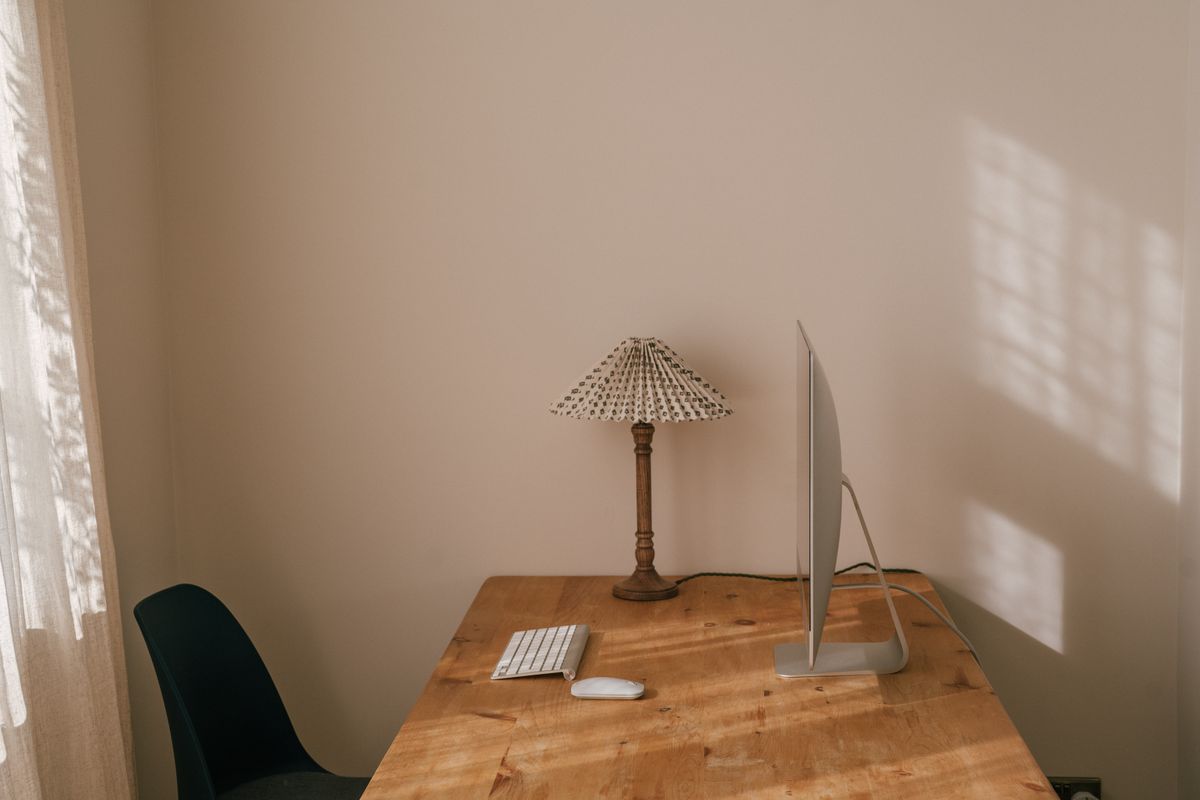
A display positioned roughly at a right angle to a window often avoids both a window directly behind it and a window directly reflected in it. That is a useful place to begin, although the room's other surfaces can still reflect light. Even a modest shift in desk position may make a difference.
Task lighting can be directed toward paper rather than across the display. A shaded lamp gives more control than an exposed light source. If an overhead fixture is responsible, use its intended controls or suitable diffusing arrangement; do not alter building wiring or improvise a cover that the fixture manufacturer has not approved.
A glossy desktop can also send light toward the screen or your eyes. Moving a reflective object may help. A matte desk pad can be useful if it suits the surface finish and does not create other problems, but covering the entire desk is not automatically necessary.
Be cautious about add-on filters
An anti-glare filter changes the view through the screen. It may help in a particular arrangement, but it can also reduce clarity or alter the display's appearance. Check compatibility, mounting and return terms before treating one as a guaranteed remedy. A privacy filter serves a different purpose and should not be assumed to solve glare.
Clean the screen using its manufacturer's method if dust or fingerprints make the view worse. Avoid aggressive cleaners or rubbing that could damage a coating. Adjust application zoom and screen brightness for the final lighting arrangement rather than leaning closer to see through a persistent reflection.
The goal is a readable screen in a room that still feels usable. If the only workable arrangement requires complete darkness during the day, revisit the screen's position and the light source. Often the missing adjustment is an angle, not a blackout curtain.