Crumbs between the keys invite an unnecessarily aggressive response. A brush, a wet wipe and a little force can quickly become liquid beneath the switches or a broken key fitting. Routine keyboard cleaning should begin at the surface and stay within the manufacturer's owner-care instructions.
Disconnect before touching the keys
Unplug an external keyboard or switch it off, disconnect charging power and remove user-removable batteries if the instructions call for it. For a laptop keyboard, shut down the computer and disconnect external power. Do not dismantle a laptop to reach an internal battery merely for ordinary cleaning. Besides protecting the equipment, disconnection prevents a cloth from typing into a document or sending an unintended command.
Remove loose debris using the method permitted for the device. Some external keyboards can be gently inverted and tapped, while others have more particular handling instructions. Compressed air is appropriate only where the maker allows it, used according to both the device and container directions. A method suitable for a detachable keyboard should not automatically be used on a laptop's openings.
Keep the cleaning liquid on the cloth
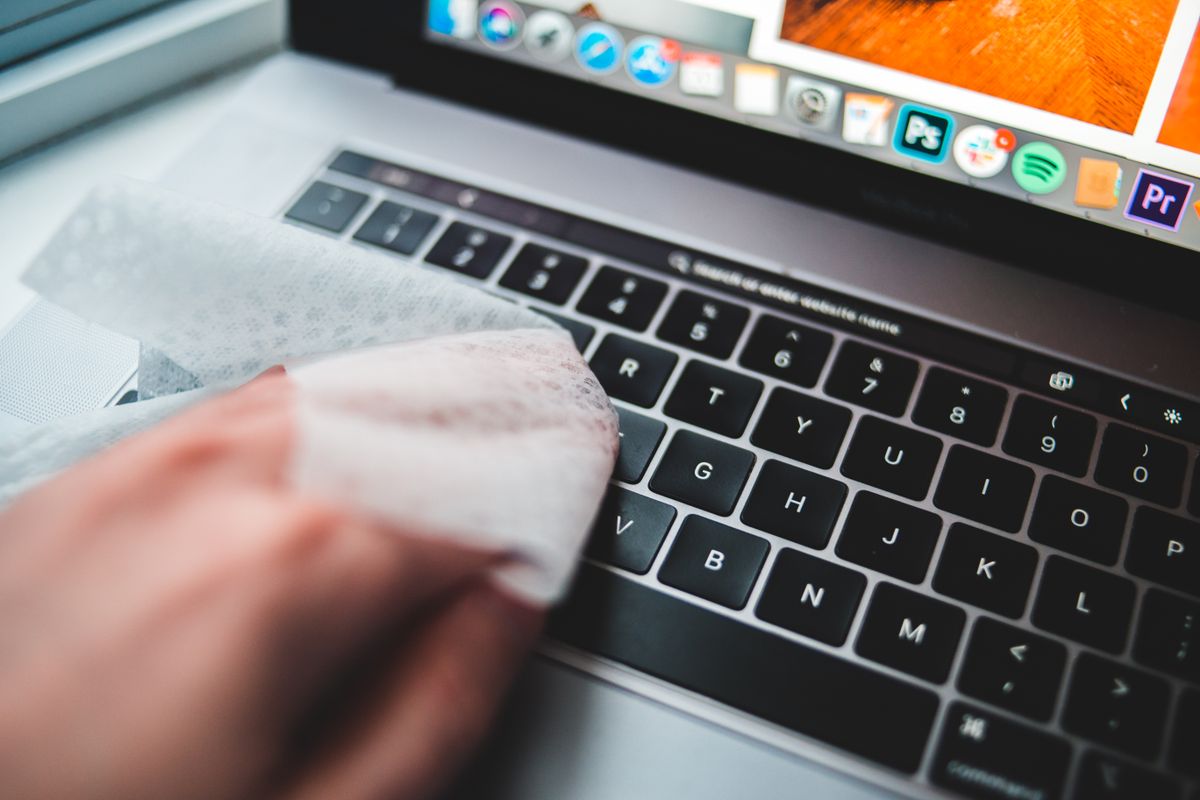
Use a soft, lint-free cloth lightly dampened with an approved cleaner. It should not drip when pressed. Wipe the key surfaces and accessible surrounding areas without pushing liquid into the gaps. Do not spray the keyboard directly or allow cleaner to collect around the space bar, indicator lights or charging port.
Material compatibility matters. Lettering, painted finishes and soft coatings can respond differently to solvents or disinfectants. Follow the exact product guidance instead of choosing the strongest concentration available. Microsoft and Logitech publish cleaning instructions for their own devices, but those instructions are not permission to use the same chemical on every keyboard or screen.
Avoid pulling keycaps unless the manufacturer describes them as user-removable and provides the method. Low-profile and laptop mechanisms can have delicate clips that are easy to damage. A key that remains sticky after careful exterior cleaning may need service or a part intended for that model, rather than a screwdriver under its edge.
A spill is a different situation
If liquid has entered the keyboard, stop using it and follow the manufacturer's spill guidance. Do not reconnect it repeatedly to see whether it has recovered, and do not use heat as an improvised drying treatment. Routine wiping cannot establish that an internal spill is harmless. For ordinary cleaning, wait until the device is fully dry before restoring power, then check the keys in a harmless test document.