A dark line running down every scanned page can look like a serious fault. On some scanners, a small spot on the narrow glass strip used by the document feeder can produce that repeated line as each page travels past it. A smudge on the broad flatbed glass can produce a different pattern. Comparing the two routes helps you clean the relevant surface.
Make a comparison before changing anything
If the machine offers both methods, scan a clean ordinary page on the flatbed and through the feeder using comparable settings. Note whether the mark appears on both results and whether it stays in the same position. This does not diagnose every fault, but it gives you a useful starting point and a before-cleaning sample.
Use the exact manual to identify the glass, backing area and any additional strip associated with two-sided scanning. Do not assume every visible transparent section is intended for owner cleaning. Shut down and disconnect the scanner or multifunction printer as directed before opening the permitted covers.
Use the cleaner specified for that surface
A soft, clean, lint-free cloth is a common starting point, but the approved liquid varies. Some Brother flatbed instructions specify water on a cloth, while certain dedicated-scanner procedures permit isopropyl alcohol on designated glass strips. Those are instructions for particular models, not interchangeable recipes. Read your own device's guidance before choosing a cleaner.
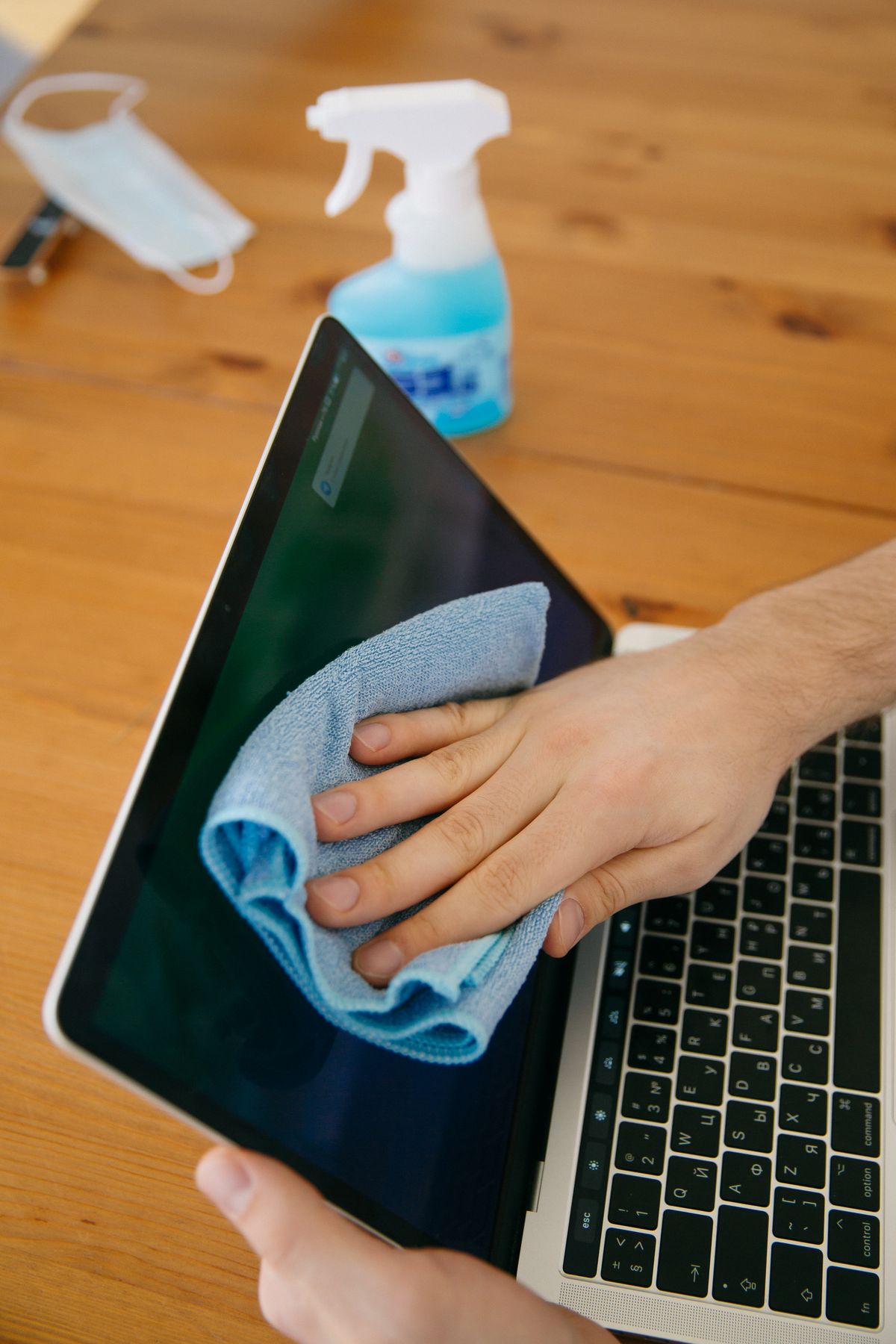
Apply only the permitted amount to the cloth rather than spraying into the scanner. Keep moisture from seams, hinges and openings. Wipe gently and use a fresh area of cloth so a removed deposit is not spread into another streak. Do not scrape dried correction fluid with a blade or use abrasive material on the glass.
The backing strip or white surface identified in the manual may also need attention. Clean it only as described, without pressing on mechanisms or pulling at seals. If the manual includes rollers, treat their procedure separately; a liquid approved for glass is not automatically approved for rubber feed parts.
Check the same page again
Allow everything to dry fully and close the covers before reconnecting power. Repeat the original comparison with the same clean page. If the line remains, check for an overlooked accessible strip or seek the manufacturer's troubleshooting advice. Repeatedly polishing the broad flatbed will not help a fault in another path. Keep originals free of wet correction fluid and loose adhesive so the next batch does not immediately deposit a fresh mark.