Headphones used for an occasional meeting have a different job from a headset worn through a full afternoon of calls. Before comparing features, describe a normal day. How long are the calls? Is the room shared? Do you need to hear someone speaking nearby? Will the headset move between a computer and phone?
Those details narrow the choice more effectively than a general search for the best headset. They also make it easier to distinguish a feature you will use from one that simply lengthens the listing.
What you hear and what others hear are separate
Active noise cancellation is usually described in relation to the sound reaching your ears. Microphone noise reduction concerns the sound sent to other people. Strong performance in one does not prove strong performance in the other. Read which function a claim describes, and avoid assuming that the word noise-canceling covers both sides of a call.
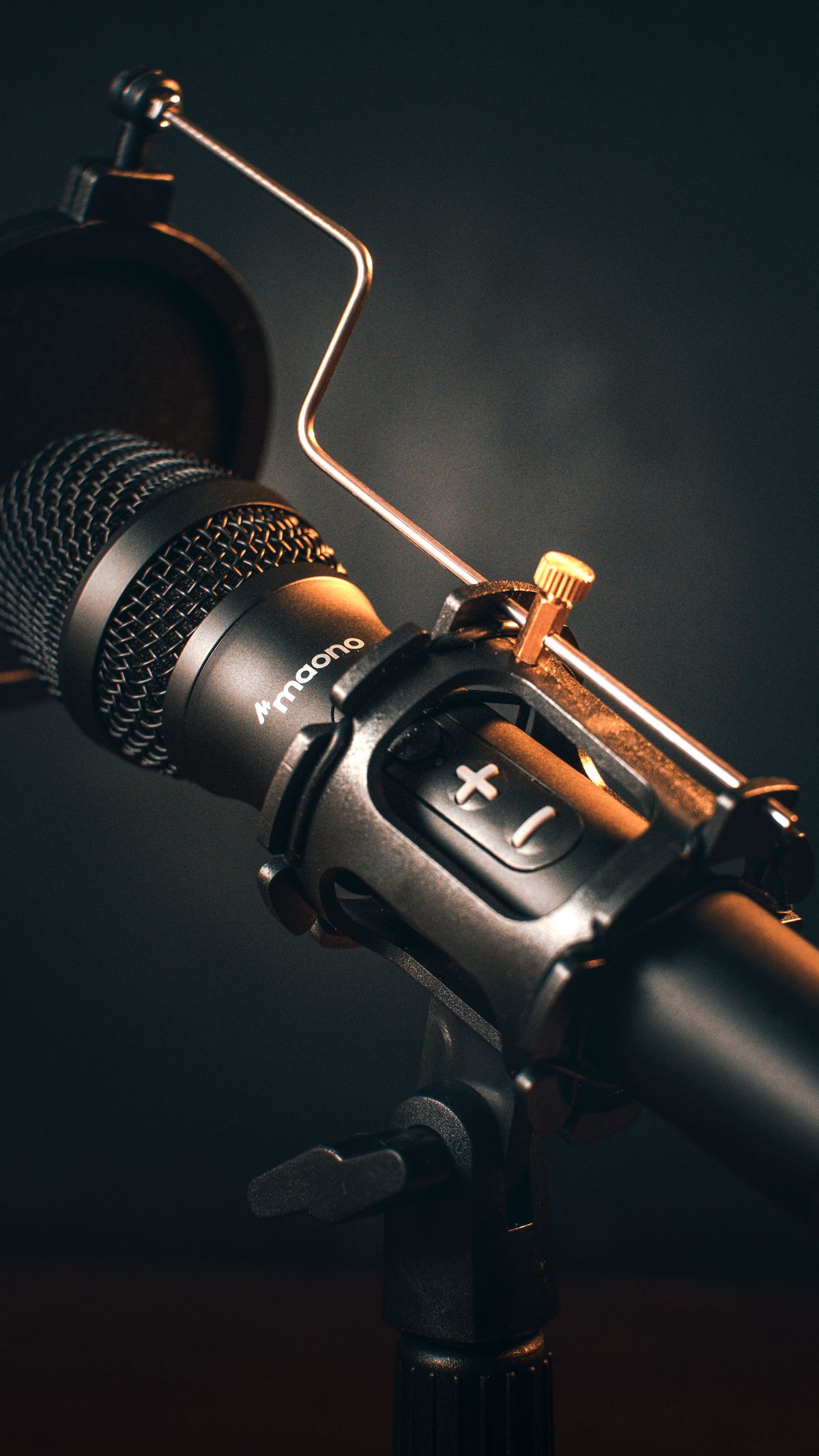
A boom microphone can keep the pickup point near the mouth as you move. An integrated microphone may be less conspicuous but can respond differently to room noise and head movement. Neither description alone tells you the result in your room. If a return period allows a suitable trial, make a short test recording or use the meeting application's test facility with its normal settings. Do not record other people without their knowledge and permission where required.
Listen for more than loudness. Are consonants clear? Does the beginning of a sentence disappear? Is keyboard noise prominent? Try turning slightly as you would when reading a second screen. A microphone that sounds fine only when you remain perfectly still may not suit the way you work.
Comfort has several parts
Earpad material, clamp pressure, headband adjustment and heat can all affect longer sessions. Glasses can change the seal and pressure around the ears. A brief fitting cannot guarantee all-day comfort, but it can reveal an obviously poor match. Check whether replacement pads are available if the headset is intended for regular use.
One-ear designs let you hear the surrounding room more easily, which may be useful in some settings. Two-ear designs can be preferable when concentrating on speech. Neither is a reason to raise the volume to compete with persistent background noise. Keep listening levels moderate and take breaks from prolonged use.
Match the connection to the computer
A wired USB headset can be simple at a fixed desk. A wireless model adds charging and connection management but allows more movement. Check whether it uses Bluetooth, a dedicated receiver or both, and whether its call controls work with your particular application. A physical mute button is valuable when its state is easy to understand; verify whether it mutes the device, the app or both.
Some Bluetooth devices change audio behavior when their microphone is active. A product that sounds excellent for music may behave differently in a call. Compatibility notes for the computer, operating system and conferencing application are therefore more useful than an audio specification considered in isolation.
The useful extras are often mundane
A visible mute indicator, a replaceable cable, a charging place that fits the desk and a clear battery warning can matter more than elaborate lighting. If the headset will travel, check how it folds and whether a case protects the microphone. If it stays at the desk, give it a hook or stand where the cable will not be caught by a drawer.
Choose around the calls that happen every week. A headset is successful when the person at each end can follow the conversation and the equipment is easy to put on, mute, remove and charge without becoming another task.