A compact keyboard makes space for a mouse, notebook or smaller desk. It also removes the familiar block of number keys on the right. If entering figures is an occasional task rather than most of the working day, a separate numeric keypad can restore that function only when it is needed.
Think about the actual entry pattern. A few invoice totals are easy to type on the keyboard's top row. Long columns of figures, repeated decimal entries or frequent calculations may make a dedicated layout more useful. The value comes from a recurring task, not from filling an apparent gap in the equipment.
Look closely at the keys
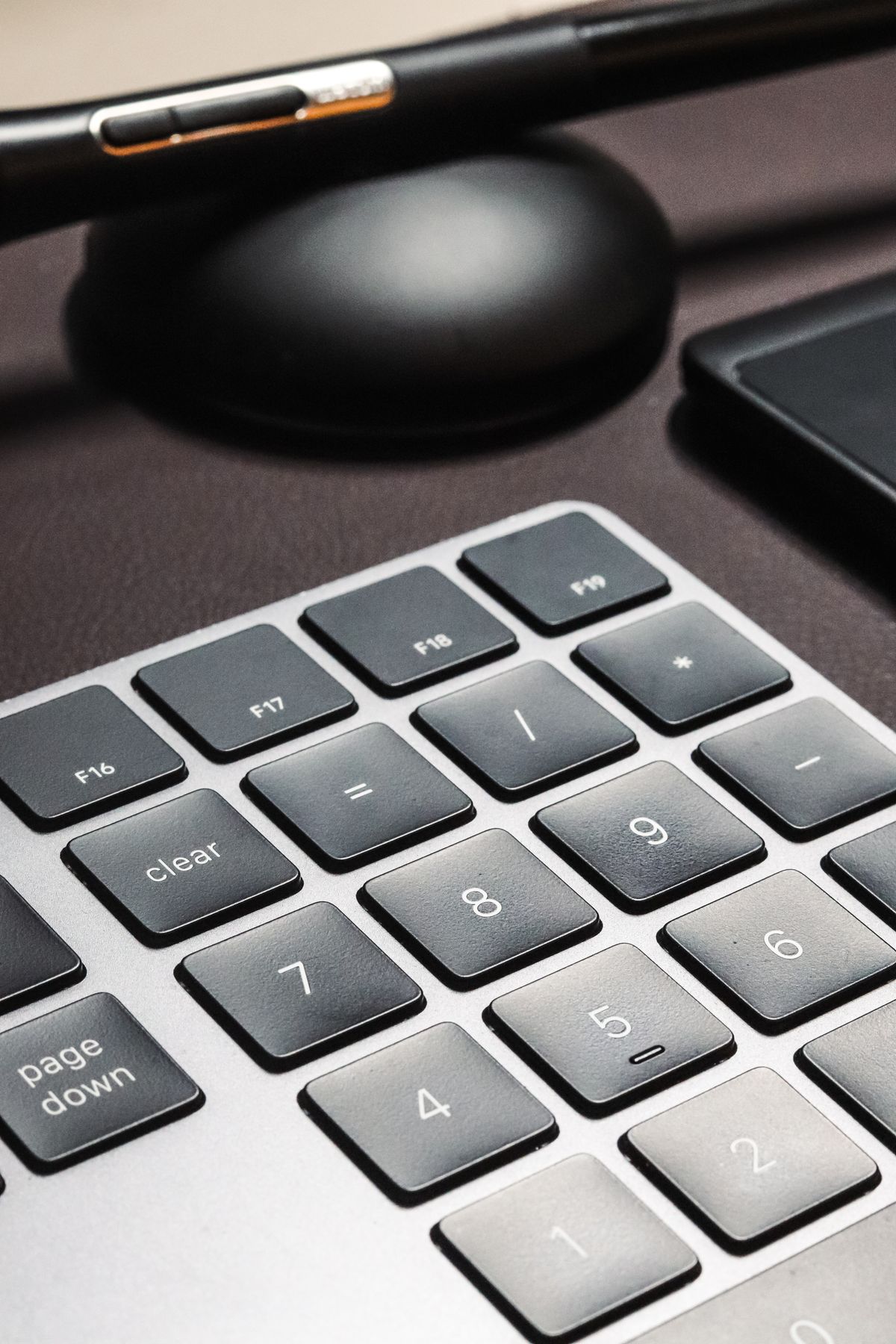
Not all keypads reproduce the same layout. Check the position of zero, the decimal key, Enter and any arithmetic symbols you use. Some compact models add shortcuts that change the spacing. Regional settings and application behavior can also affect the decimal character, so verify the arrangement in the program where the figures will be entered.
A keypad advertised for several operating systems may still handle particular keys differently. Read the compatibility information, especially for models that depend on software. On a work computer with installation restrictions, basic supported behavior is more useful than configurable features you cannot access.
Give it a temporary place
Set the keypad where it can be used without pushing the main keyboard or mouse into an awkward position. A separate unit can sit on either side if that suits the user and task. Try a small batch of ordinary entries before settling its place. Check that the base does not slide during repeated presses.
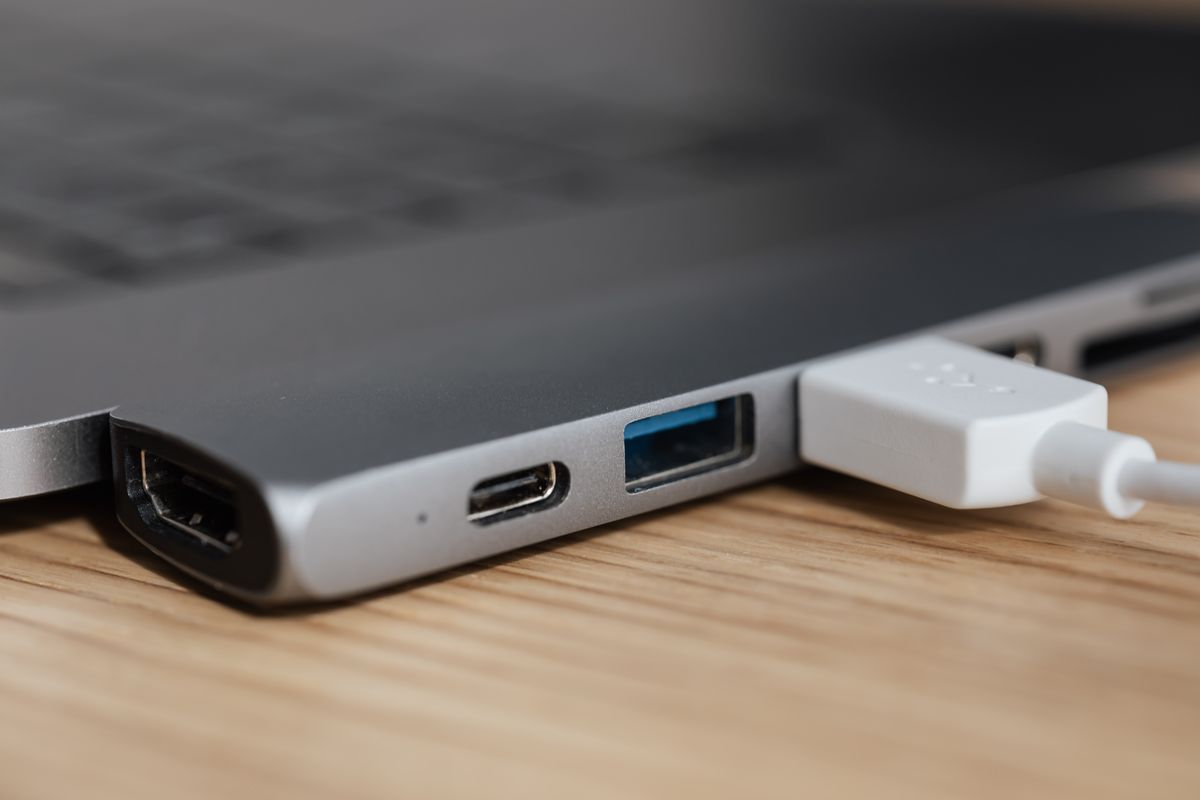
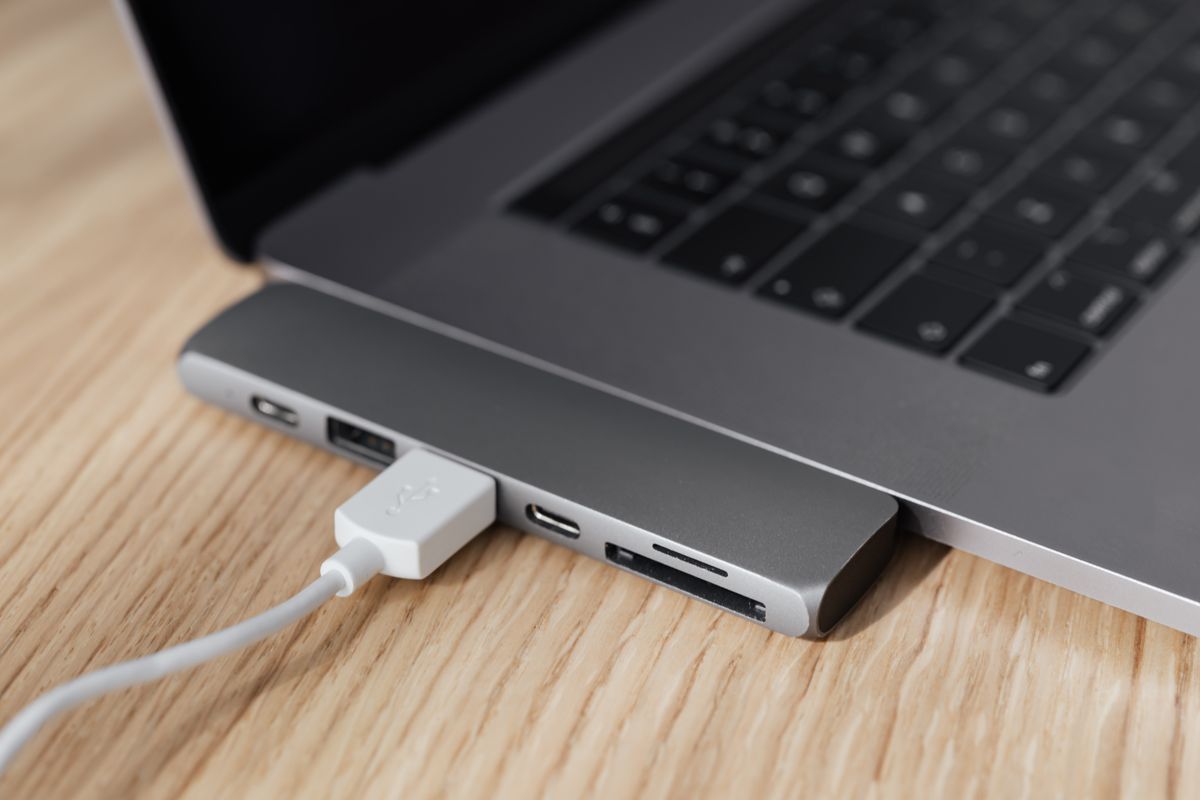
Wired models need a spare port and a manageable cable. Wireless ones need a compatible connection and a charging or battery routine. A tiny receiver is easy to leave behind when the keypad moves between desks, so use its storage slot if one is provided.
When the number-entry task ends, put the keypad somewhere accessible rather than leaving it in the mouse area. A shallow drawer or designated shelf works well if it can be retrieved without unpacking other supplies. The accessory makes sense when it preserves the compact desk for most of the day and becomes easy to reach during the part of the day that calls for it.