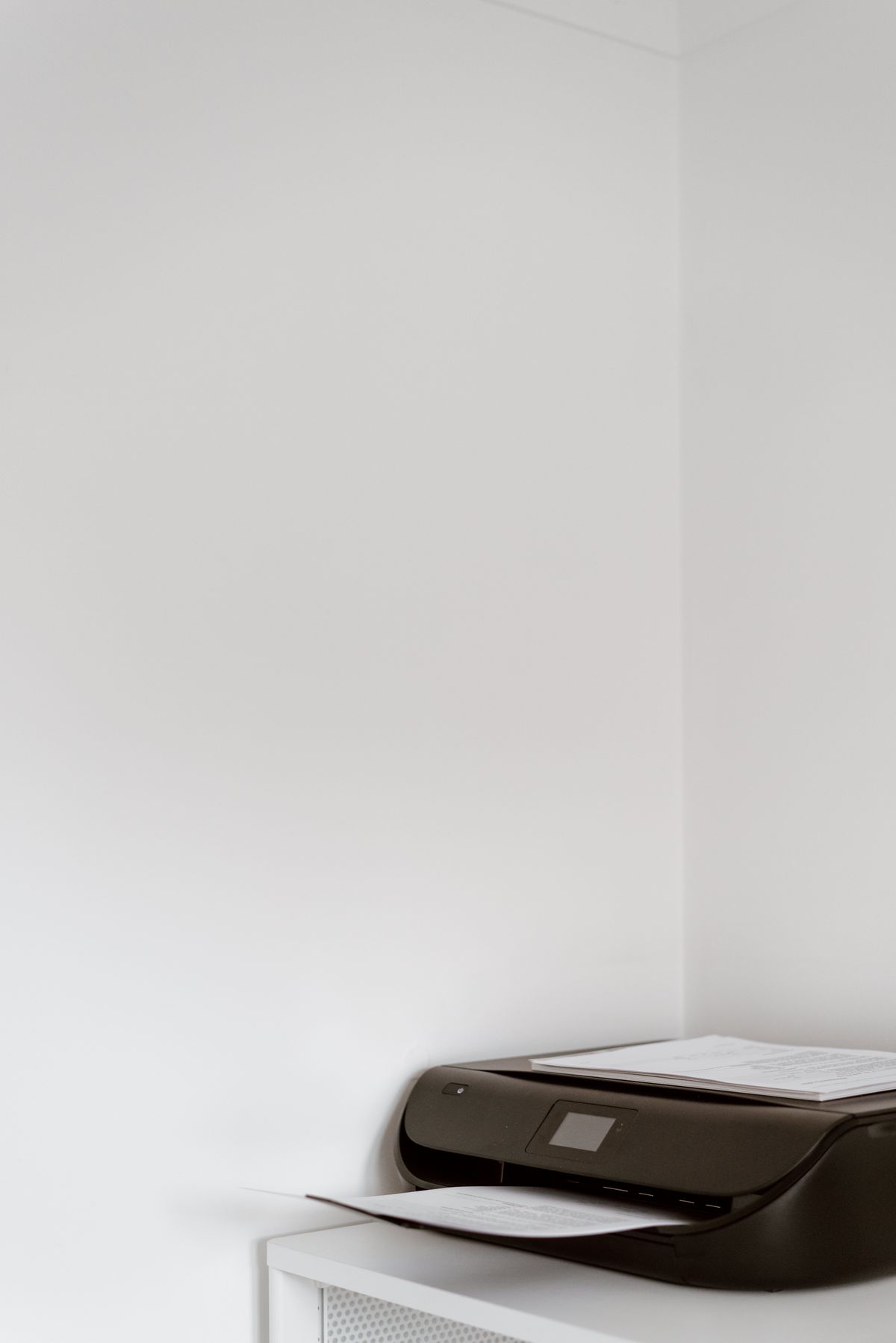
Product photographs often show a printer tidied away: trays folded, no paper loaded and no cables behind it. That is a useful view of the case, but a poor guide to the space it occupies during a normal job. A machine that fits neatly on a shallow shelf while closed may leave its output hanging over the edge when opened.
Start by finding the operating dimensions, if the manufacturer supplies them. Compare these with the stored dimensions rather than assuming the larger measurement includes everything. Some drawings show the paper support extended; others show only the case. A side view in the manual can make the difference clear.
Trace a sheet through the machine
Imagine loading the paper you use most. A rear feeder needs space above and behind the printer for the stack and its support. A front cassette needs room to be pulled out. Output trays may extend forward, and printed sheets can project beyond them. If the surrounding furniture blocks any of those movements, the nominal fit is misleading.
Make a simple full-size paper or cardboard outline on the intended surface. Mark the case, the open tray and the loaded paper separately. This is especially useful on a shelf near a doorway, where protruding output could be brushed off whenever someone passes. It also reveals whether retrieving pages requires leaning over another device or moving a chair.
Allow for the things the dimensions omit
A power connector and a USB plug both need room, including a gentle turn in the cable. Pushing the printer against a wall can strain a connector even when the case itself clears. Keep the ventilation space specified in the manual and avoid routing cables across the paper outlet. A cabinet door should not have to press against the cords to close.
Think about replenishment as well as printing. If changing paper or ink means lifting the printer down every time, the shelf may be too tight for everyday use. Check where the cartridge cover opens and whether a rear access door needs clearance. You do not have to reserve an entire service aisle, but ordinary owner tasks should be possible without balancing the machine on an edge.
A nearby storage spot can absorb spare paper, but it cannot compensate for an undersized support surface. The printer should sit securely with its feet supported and within the furniture's load rating. Measure the available area, then subtract the real clearances before shopping. Compact is a description; the open paper path is the measurement that tells you whether the printer belongs there.