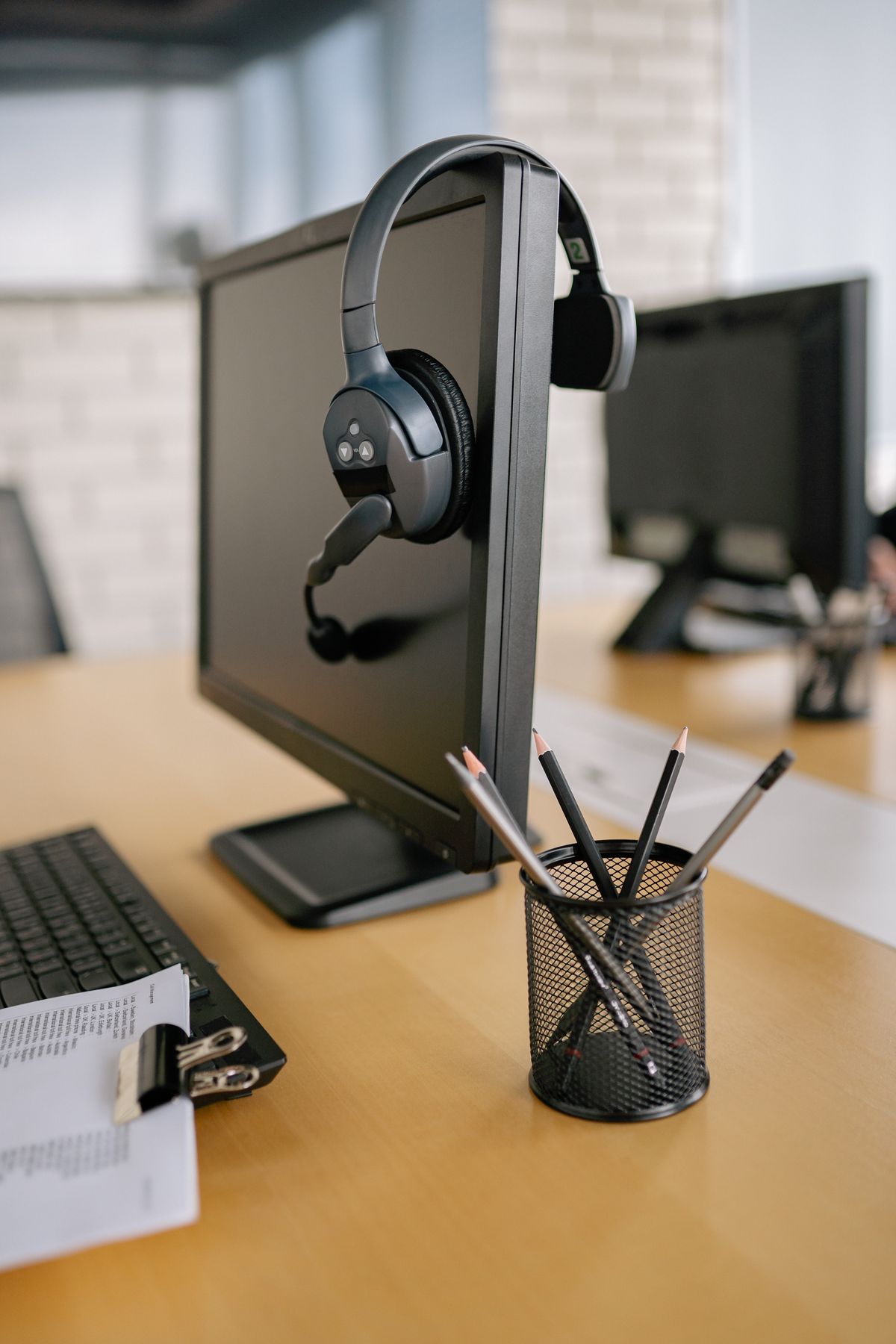
A speakerphone makes sense when several people around a table need to join the same conversation. At a shared desk, it can also make everyone nearby an unwilling listener. The first decision is about the room and the people in it, not about which device looks more professional.
Separate listening privacy from microphone pickup
A headset keeps incoming audio close to the person wearing it. It does not make that person's spoken replies private, and its microphone may still capture nearby voices. A speakerphone sends the call into the room and must collect speech from a distance. That can be convenient for a group, but it asks more of the room's acoustics and everyone sharing the space.
Noise reduction and echo control can help in particular conditions, yet neither is a promise that private background conversation will disappear. Test the equipment in the room as it normally sounds. A demonstration in a quiet office will not reveal the effect of a nearby keyboard, a hard reflective table or another person taking a call.
Choose for the ordinary session
For a person who takes frequent individual calls, consider headset fit, microphone placement and whether the cable or wireless connection suits the desk. A device that feels acceptable for a few minutes may become distracting during a longer session. Check adjustment and return arrangements rather than assuming a particular style fits every wearer.
For a small group, place the speakerphone where all participants can speak naturally within its intended pickup area. Do not assume that putting it near the loudest person will also serve somebody at the far end. Check that papers and laptops do not block the controls or create an awkward reach when someone needs to mute.
Connection details matter with both options. Confirm compatibility with the computer, phone and meeting application you use. Bluetooth behavior, USB connections and simultaneous device support vary. If switching between devices is important, rehearse it rather than discovering during a call that audio has stayed connected to the wrong machine.
Finally, check mute behavior in the hardware and the application. A light or button on one device may not control every audio path. Make a short test call and verify both what you hear and what the other person hears. In a shared room, the equipment that keeps the conversation clear while respecting the surrounding work is the useful choice.