The phrase two-sided printing can hide a small but important distinction. Some printers turn the sheet inside the machine. Others print one side, display instructions and wait for you to reload the stack. Both can produce a double-sided document, but they demand different amounts of attention. For a short household form, manual handling may be acceptable. For regular reports, it can become the slowest part of the job.
Find the word automatic
Read the specification for automatic duplex printing rather than stopping at a two-sided icon. Check whether the feature is built in, requires an optional accessory or depends on driver-assisted refeeding. If the seller's description is unclear, the manufacturer's manual usually describes the paper path and the supported print options more precisely.
Paper support can narrow the feature further. Automatic duplexing may accept a smaller range of sizes, weights or finishes than single-sided printing. Envelopes, labels and heavy stock can have separate restrictions. Do not assume that a sheet is suitable for a second pass because it fits the input tray. Use the listed media settings and the permitted route for that particular material.
Turn one sheet before printing fifty
Binding direction determines the orientation of the back. For an ordinary portrait report read like a book, long-edge binding is usually the relevant choice. A document flipped upward like a notepad may need the other option. Landscape pages complicate the mental picture, so a two-page trial is quicker than trying to infer everything from an icon.
Print the trial using the same application and settings as the final document. Fold or turn it as the reader will. Check the back is upright, page numbers sit where intended and any inner margin leaves enough room for binding. A PDF with mixed portrait and landscape pages deserves a closer look because the result can depend on both application and driver settings.
If duplexing is manual, mark an expendable sheet to learn the loading orientation before attempting a large stack. Follow the printer's displayed sequence rather than instructions remembered from a different machine. Keep the output in order and allow any drying time the manufacturer specifies. Refeeding damp or curled pages is not a useful way to save paper.
Do not confuse output with originals
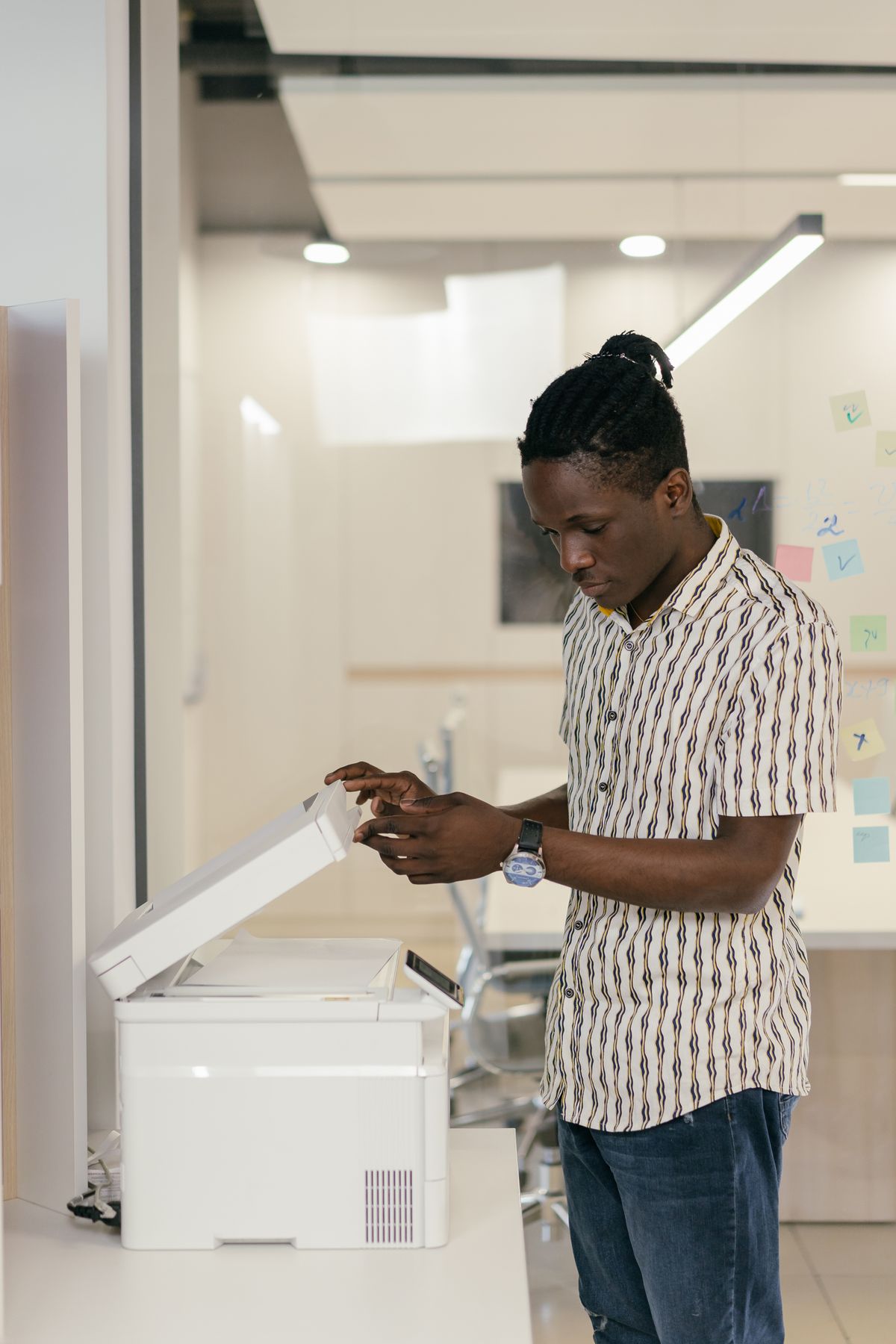
Automatic two-sided printing does not establish that a multifunction printer can scan both sides of a document automatically. That is a separate scanner and feeder capability. When comparing models, write down your two requirements separately: how originals are captured and how finished pages are produced. This prevents a feature that solves one half of the work from being mistaken for a complete workflow.